I have wanted one of these Zhuomao SeaMark ZM-R7220A BGA Machine’s for some time and I ran across a Good Deal.. So far my first impressions is this machine is built very well. I am not going to disassemble it to far this machine is still new and very expensive.
The Freight Truck Arrives…

Note: Creating Posts and Maintaining this blog requires a significant investment of time and resources. If you’ve found the content informative or helpful, your generous support is greatly appreciated. Donations can be made through Cash App all funds are used for Blog Projects, Hosting Bills, and Cottie Kitty Cat Cookie Fund. Donate Here
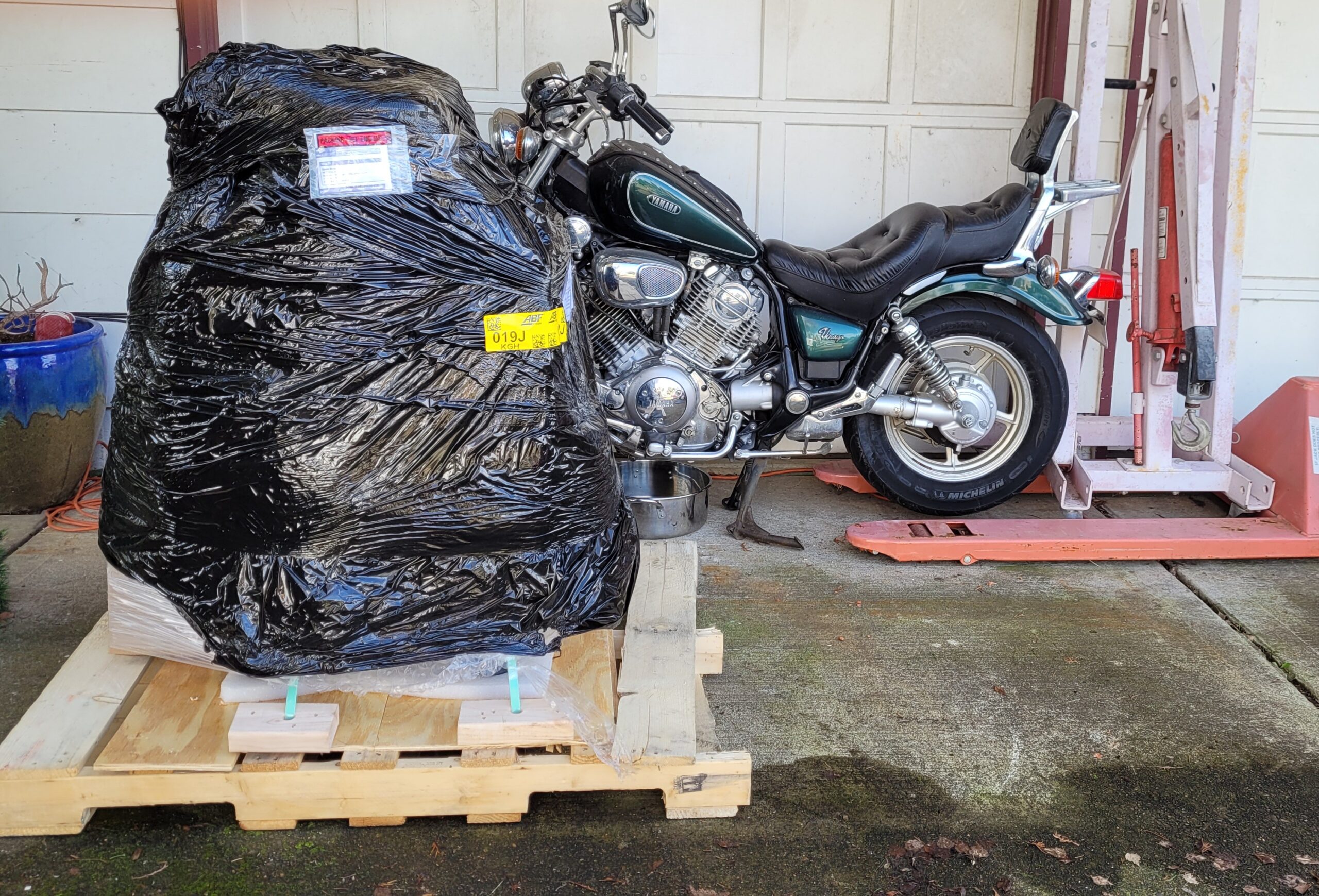
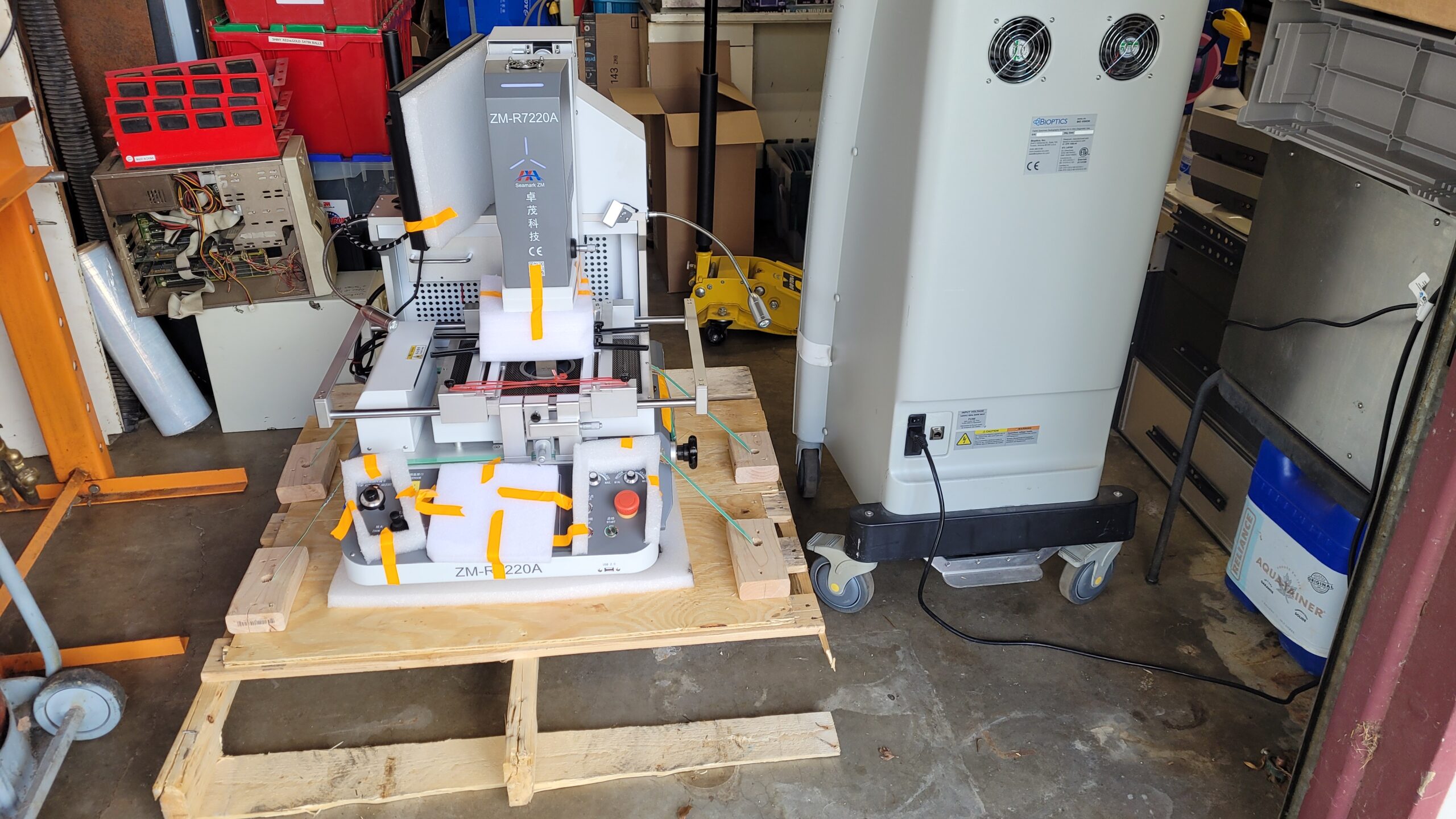
Drop off the Zhuomao SeaMark ZM-R7220A BGA Machine.
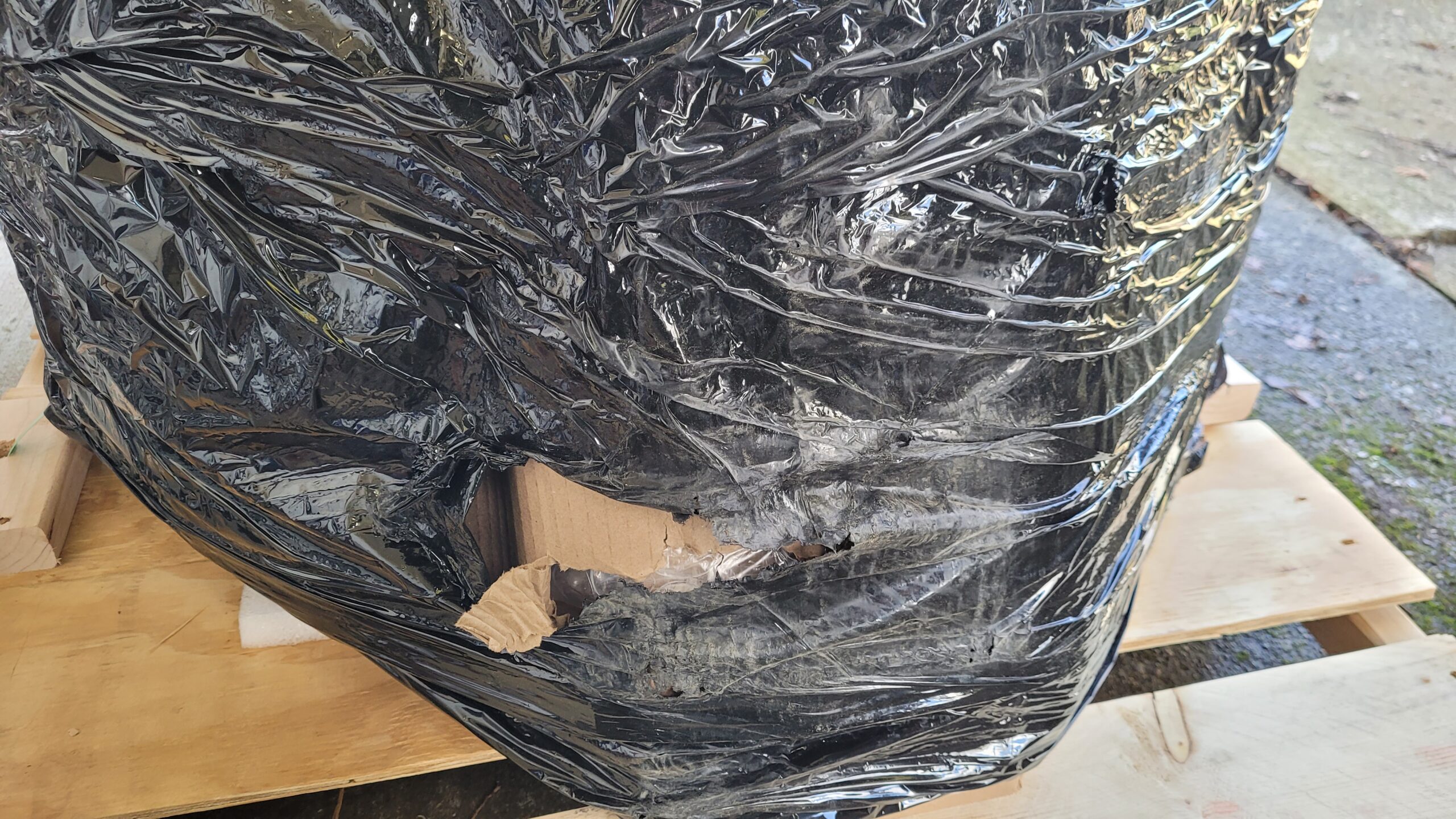
I had to Inspect it fast because it had a broken pallet little shipping rash. So missed doing the Uncrating video time was an issue driver was running behind.
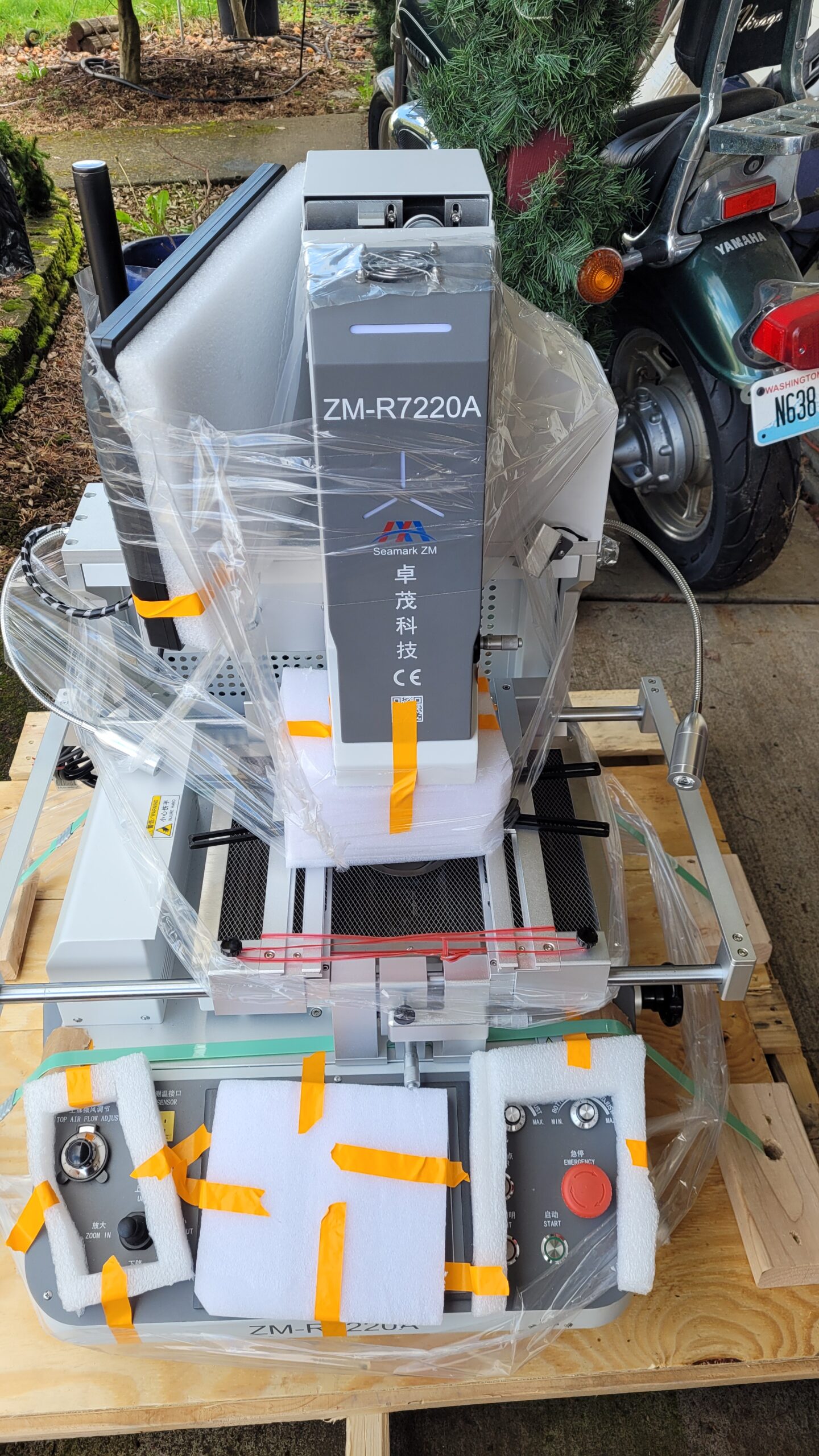
Removed the Shrink wrap Cover and Padding.. I Did a Quick Visual and Machine Appeared to be Unharmed. 🙂
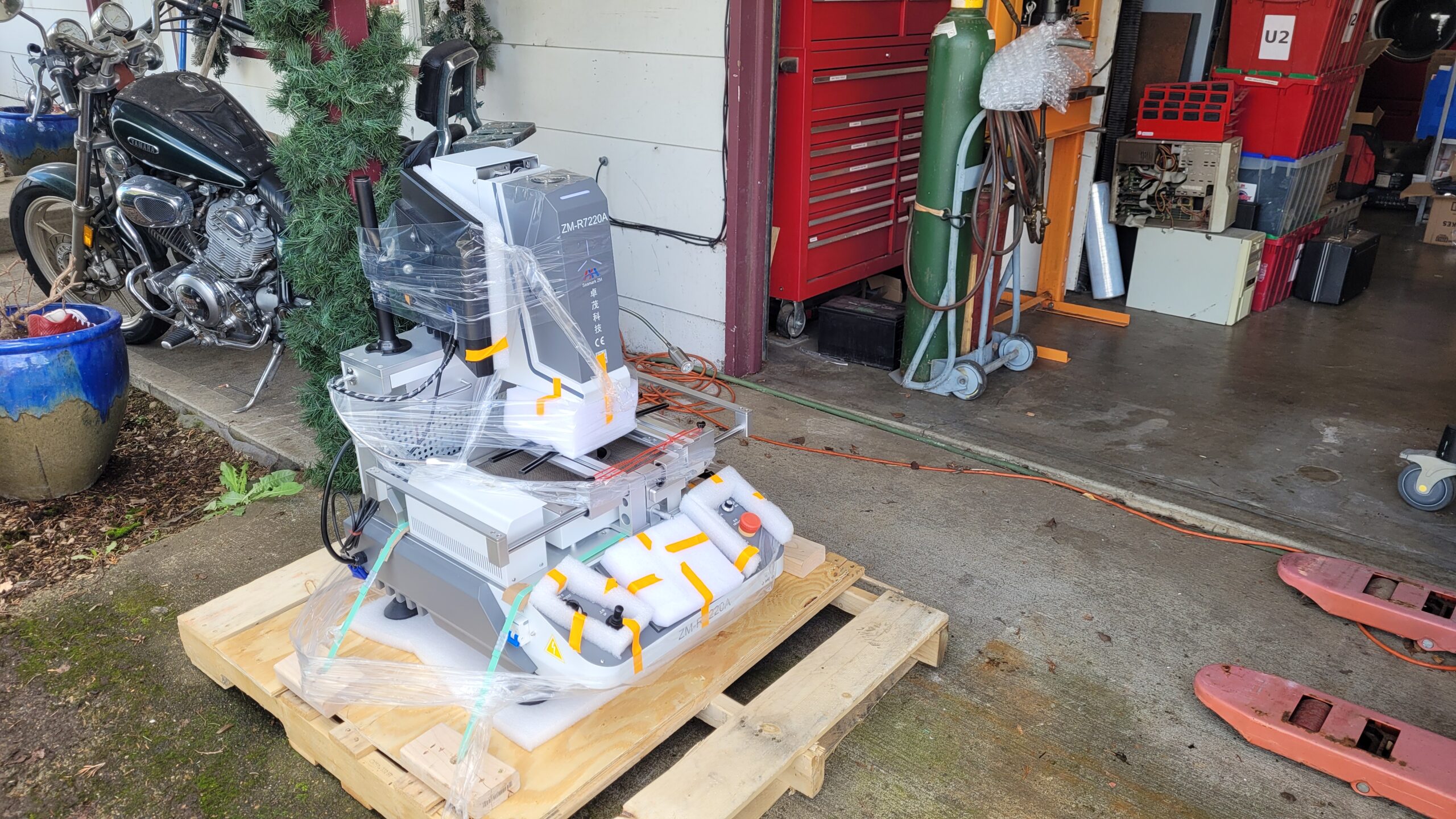
Move it in to the shop! I really have no room in the shop I am slowly getting rid of stuff!
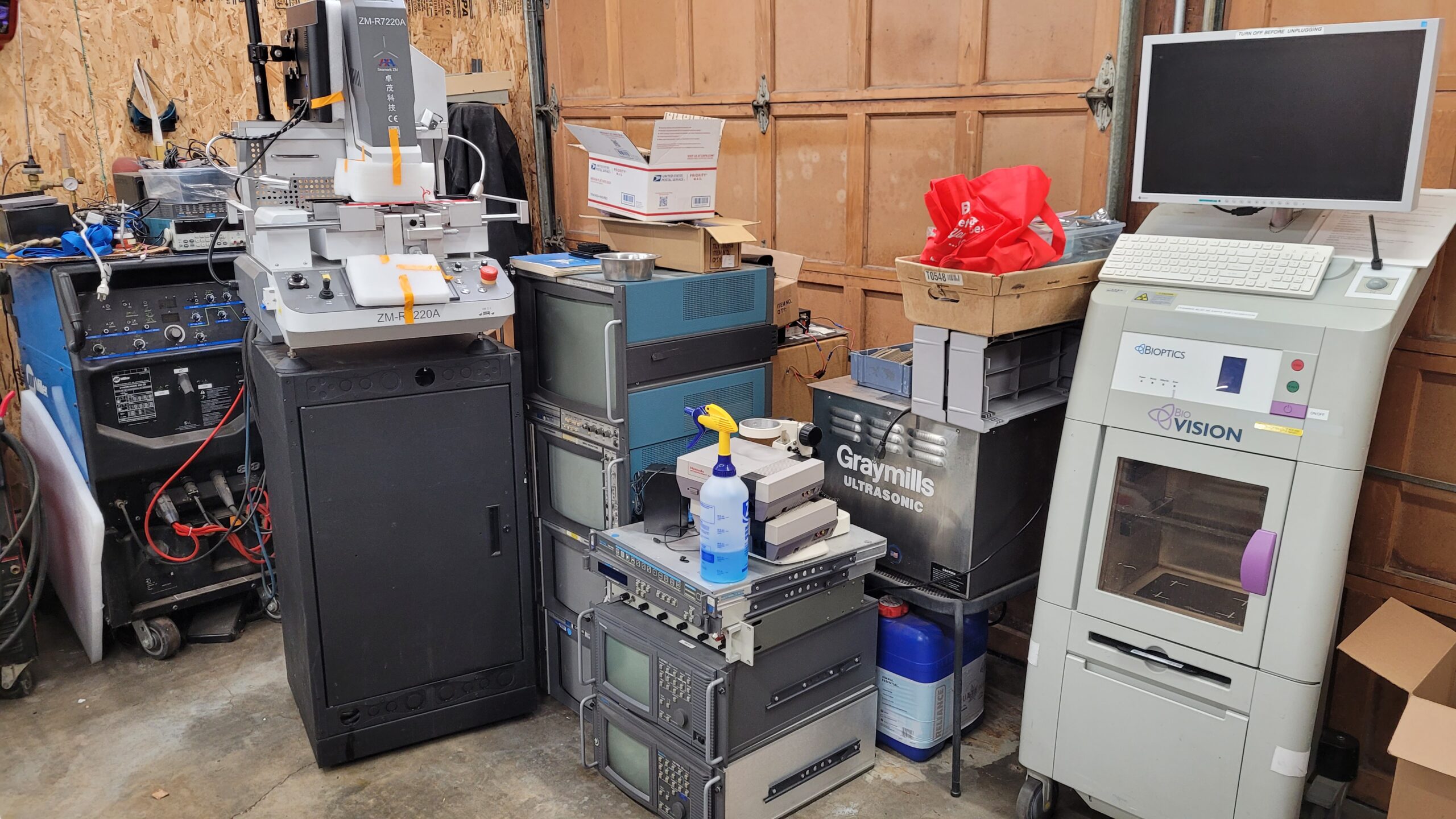
Removed the banding and stuck it some place off the floor.. simplest thing to do for now until i find a spot for it was on top of an old audio rack.
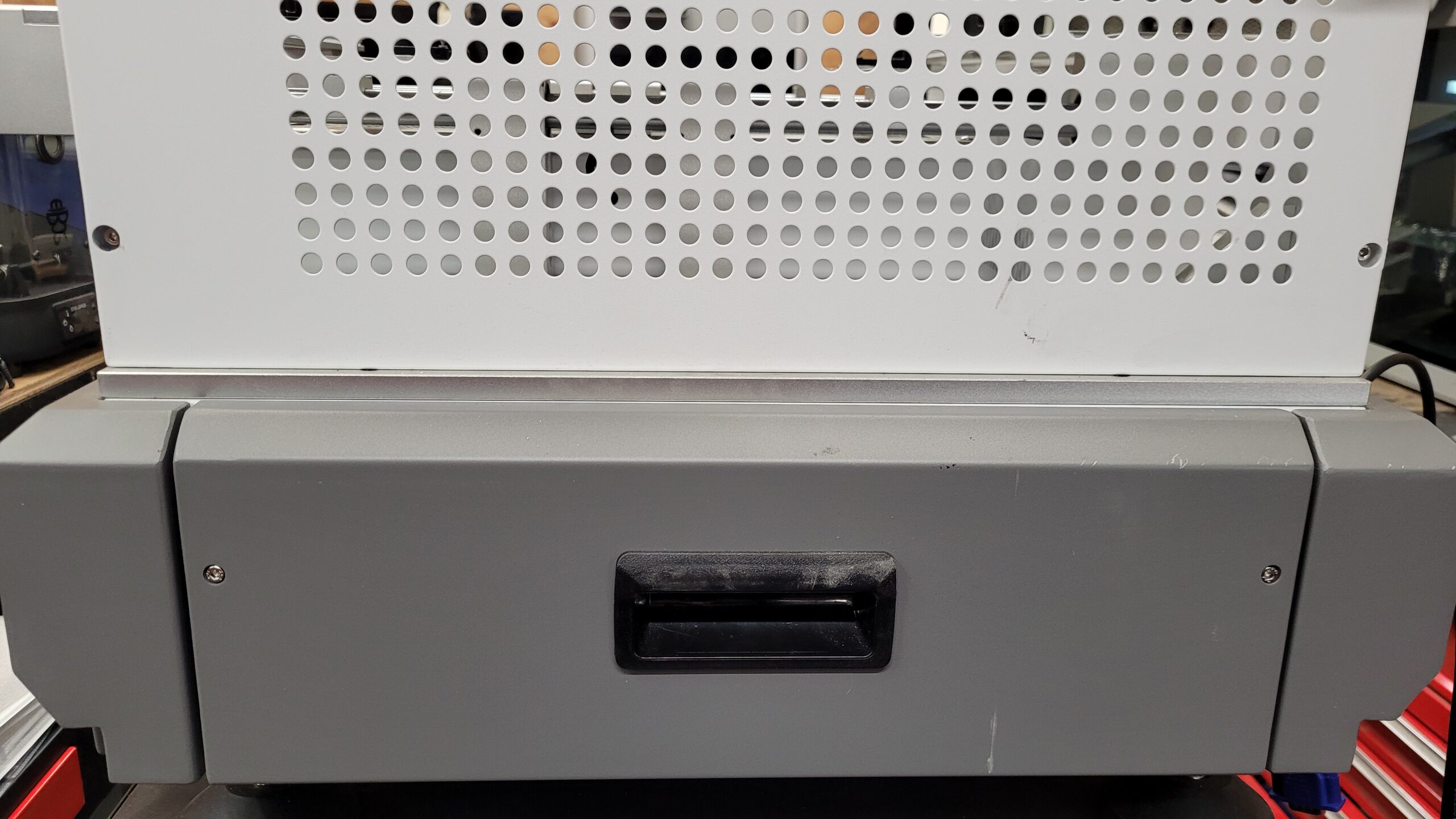
But First off Give it a Good Visual Inspection.
The Back Cover is a Drawer 2 Screws it Slides Open Exposing The Controller.
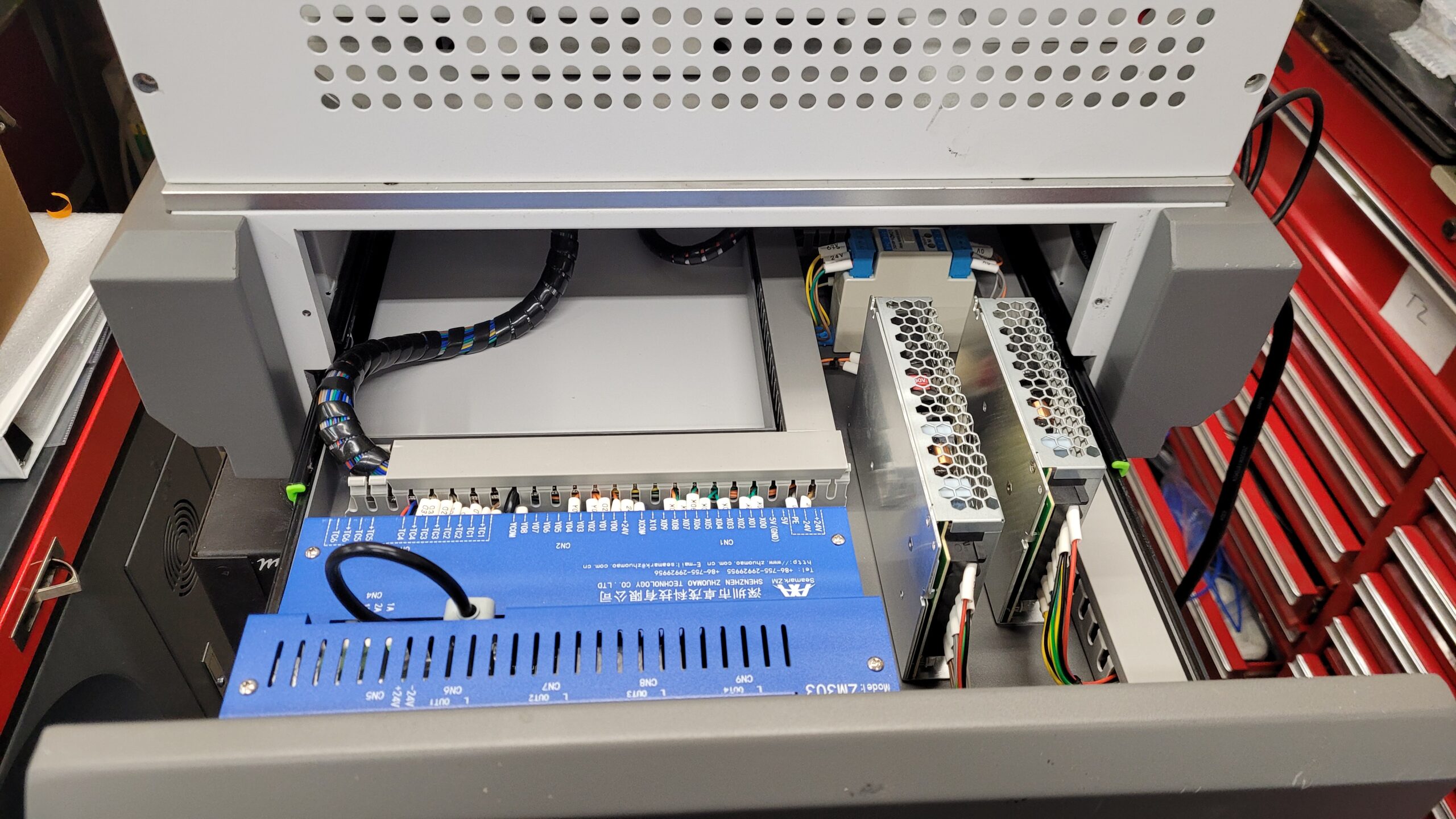
(I may take this out and get internal photos later on) I contacted Zhuomao SeaMark to see about manual for this ZM303 controller. I have received no reply 🙁
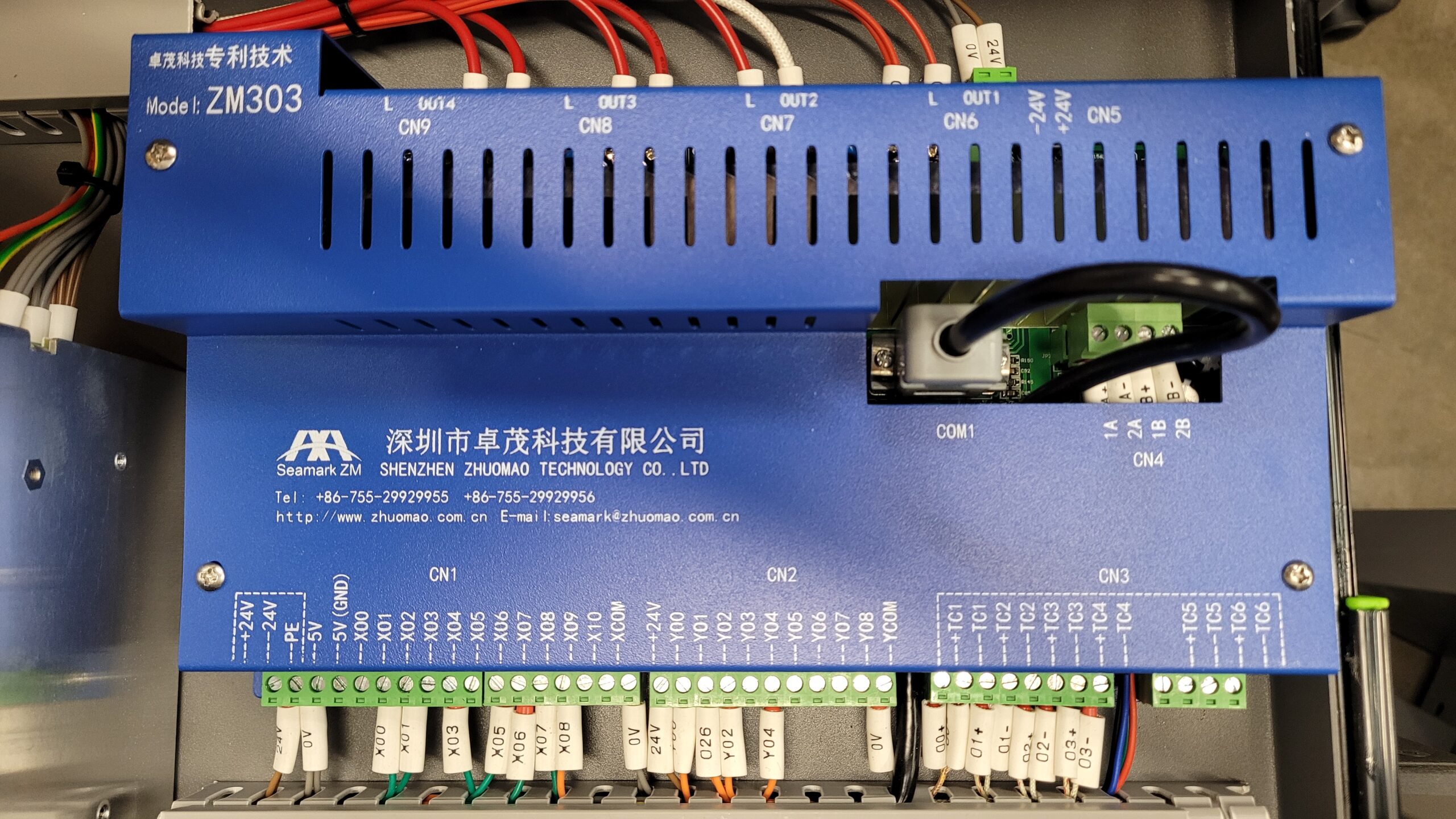
Under the Cover of the ZM-303
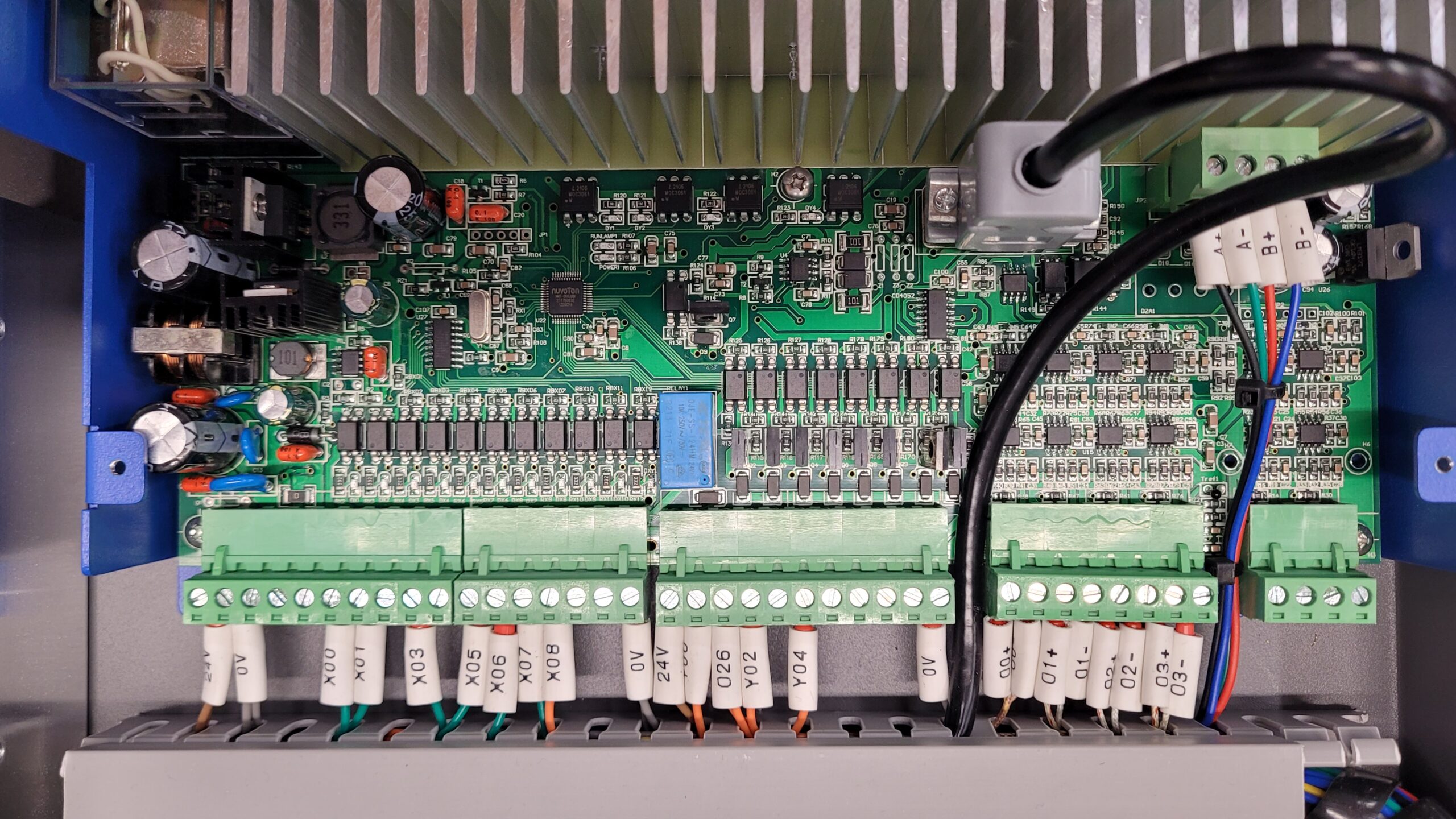
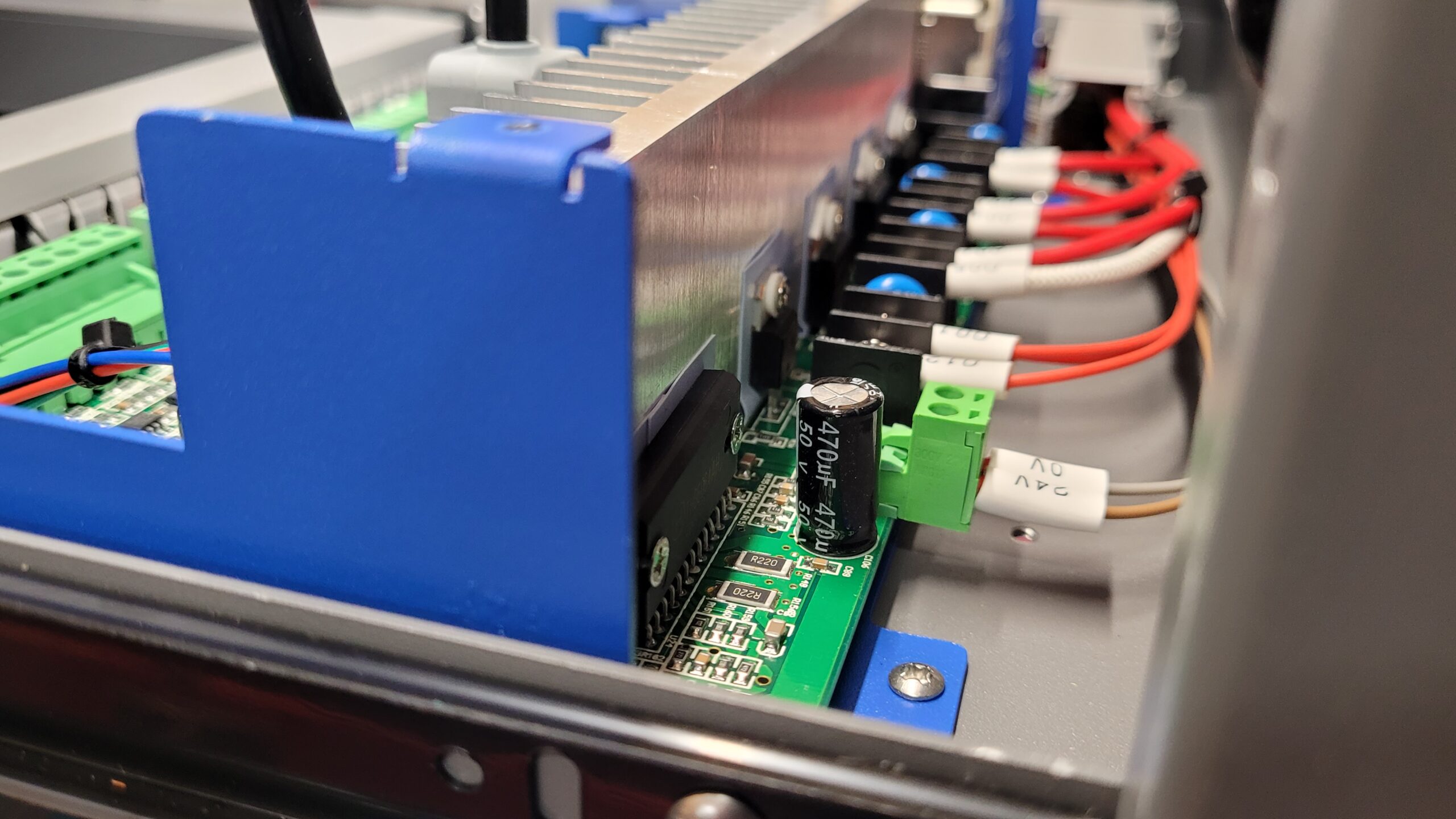
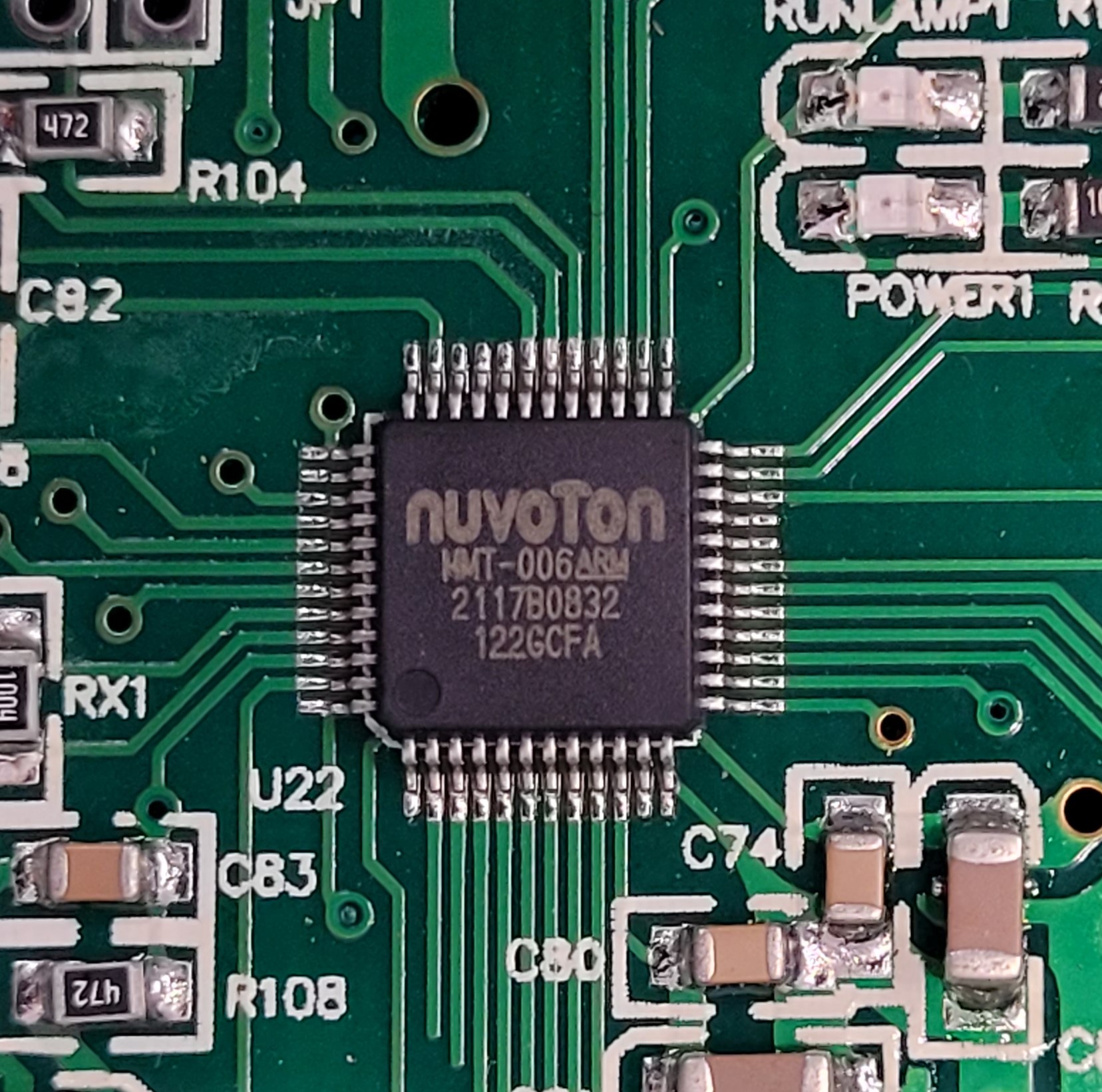
Board has what appears to be a proprietary marekd nuvoton chip MMT-006 LQFP48 Arm Chip possibly ARM Cortex M0 Series. I could not find MMT-006 on their site. The “2117” could be year 2021, week 17 most likely
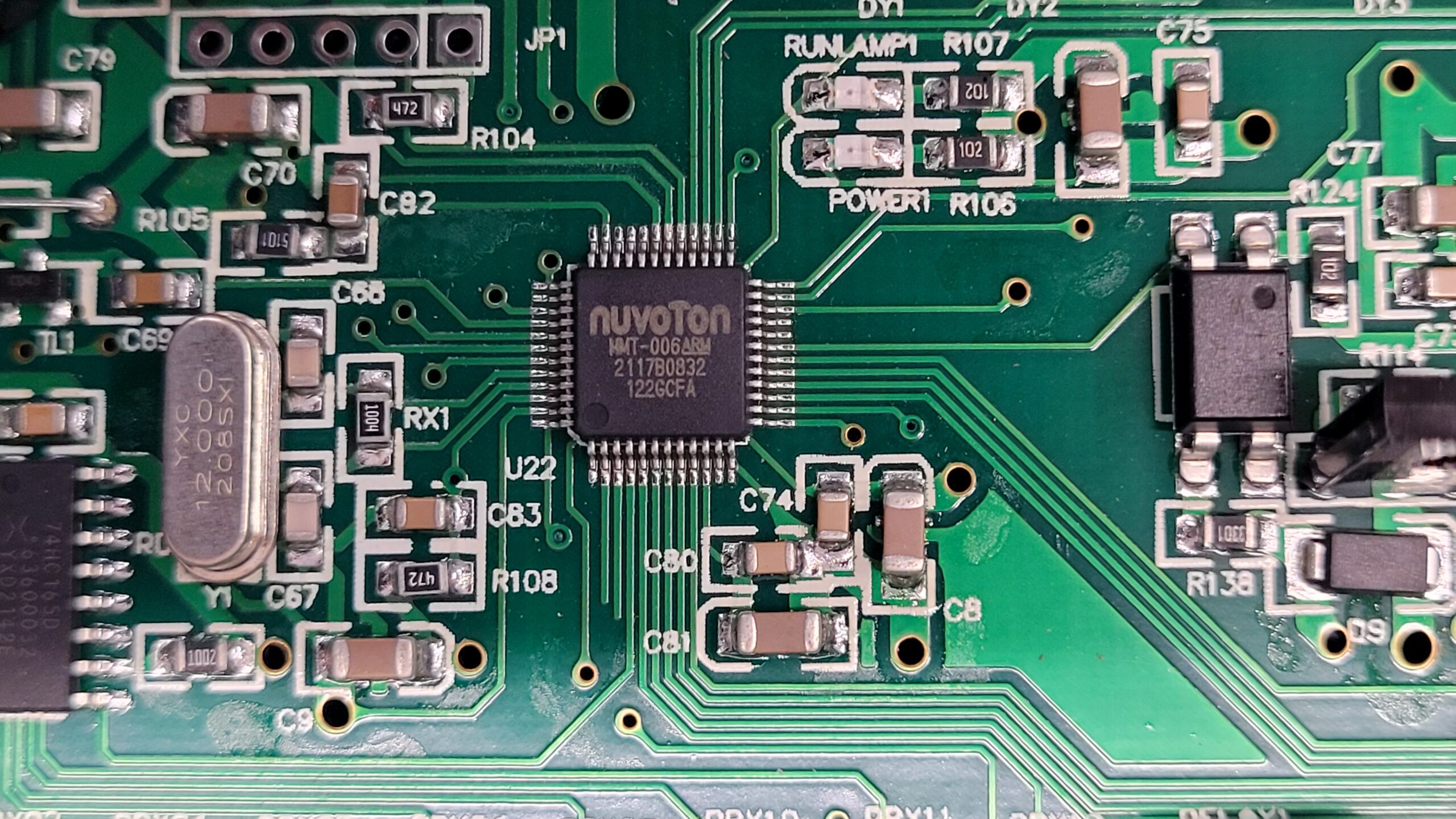
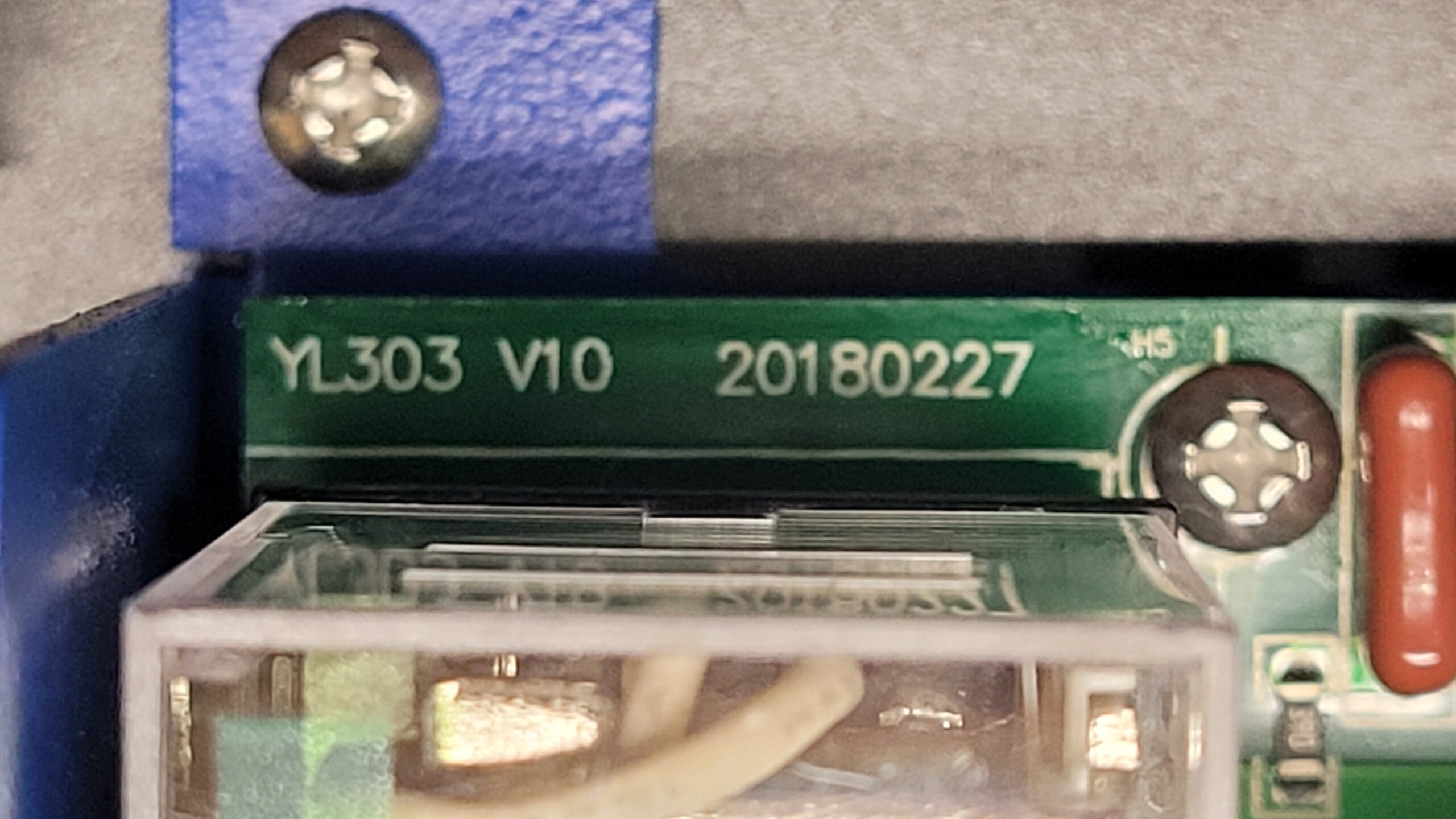
PCB is Marked YL-303 V10?
Parts on the Heatsink
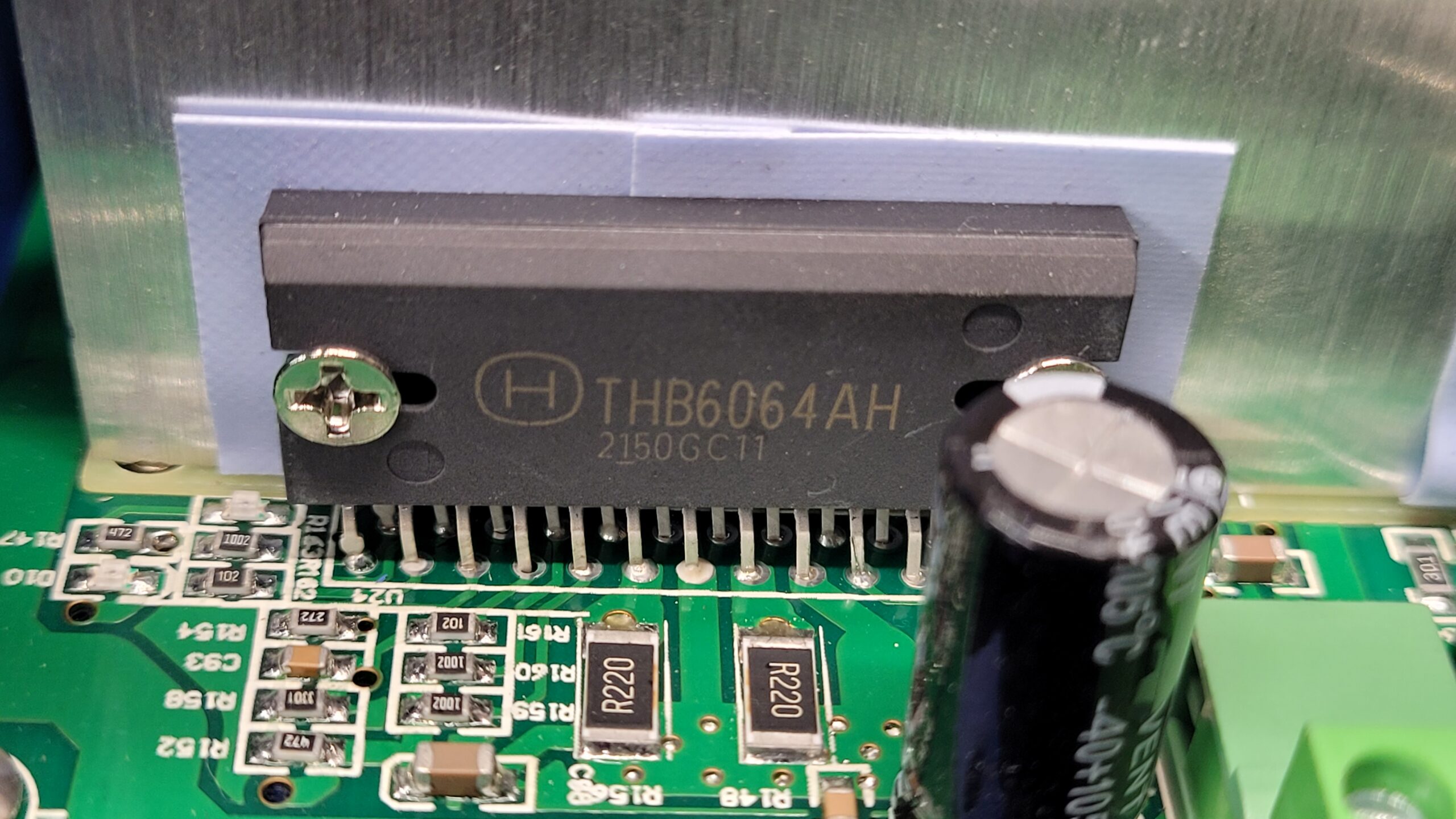
Stepper Motor Driver THB6064AH (Reminds me of Casino Claw machine drivers that were upgraded ones) Data Sheet
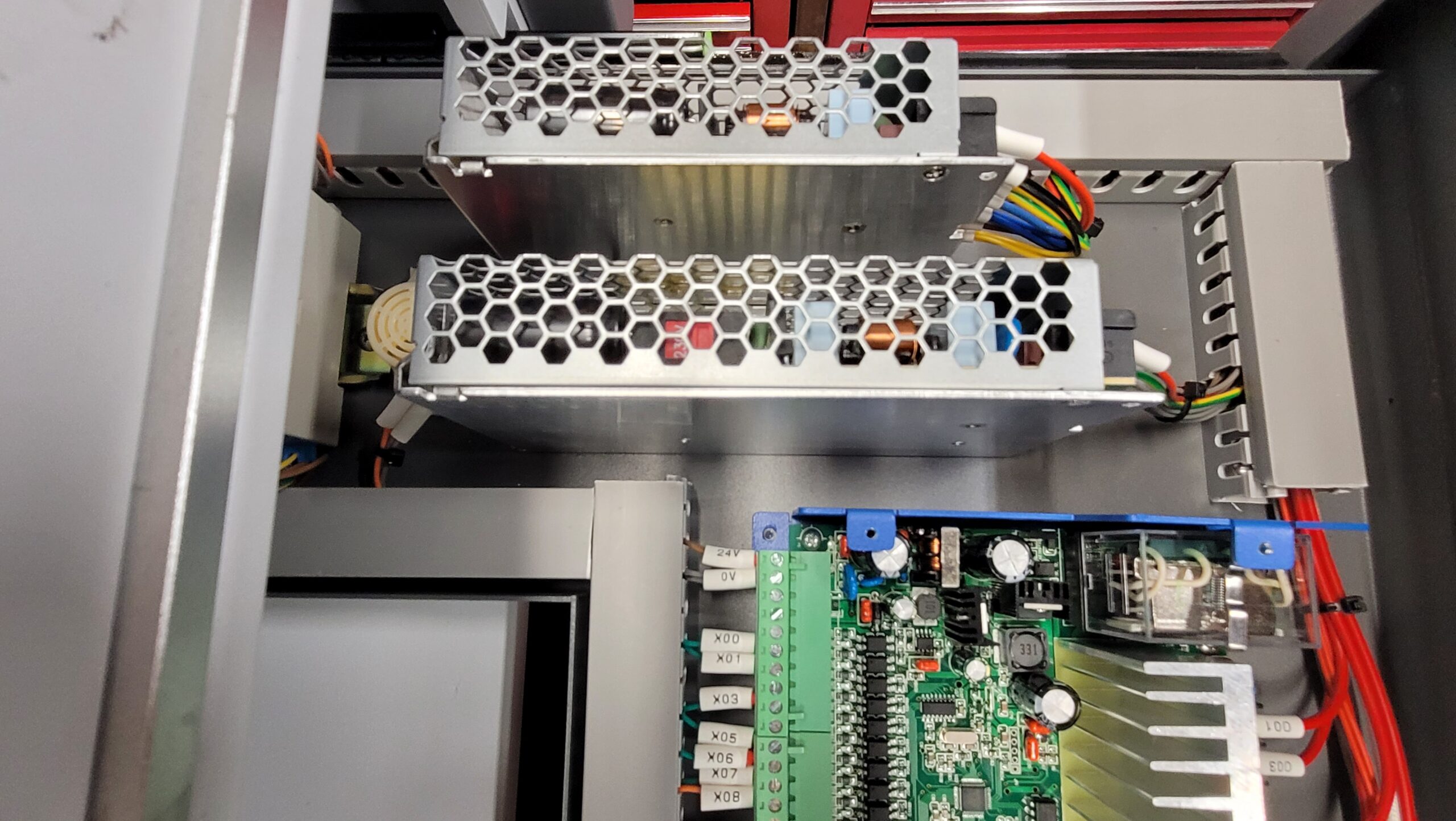
Power Supplies are in it also.
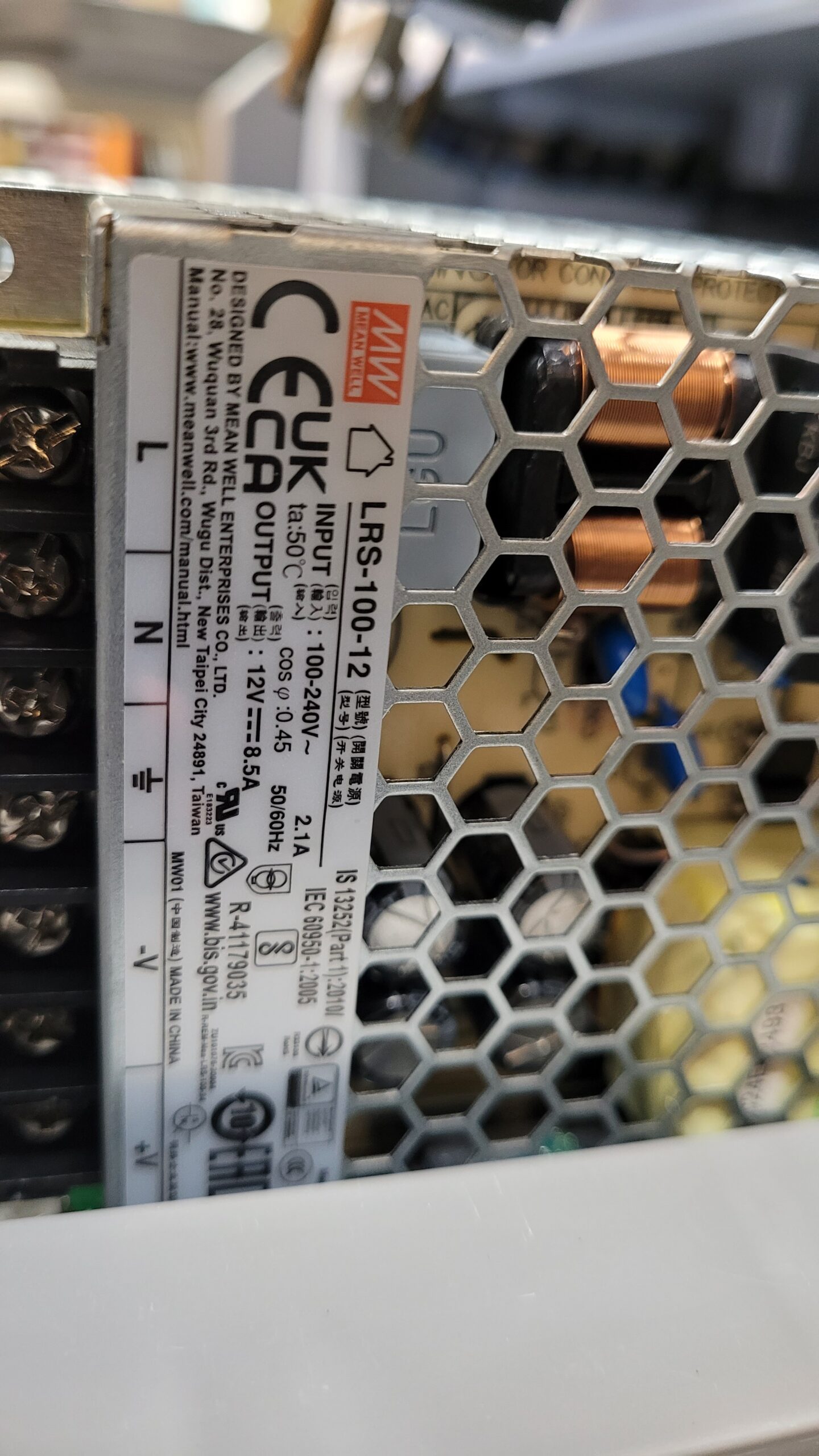
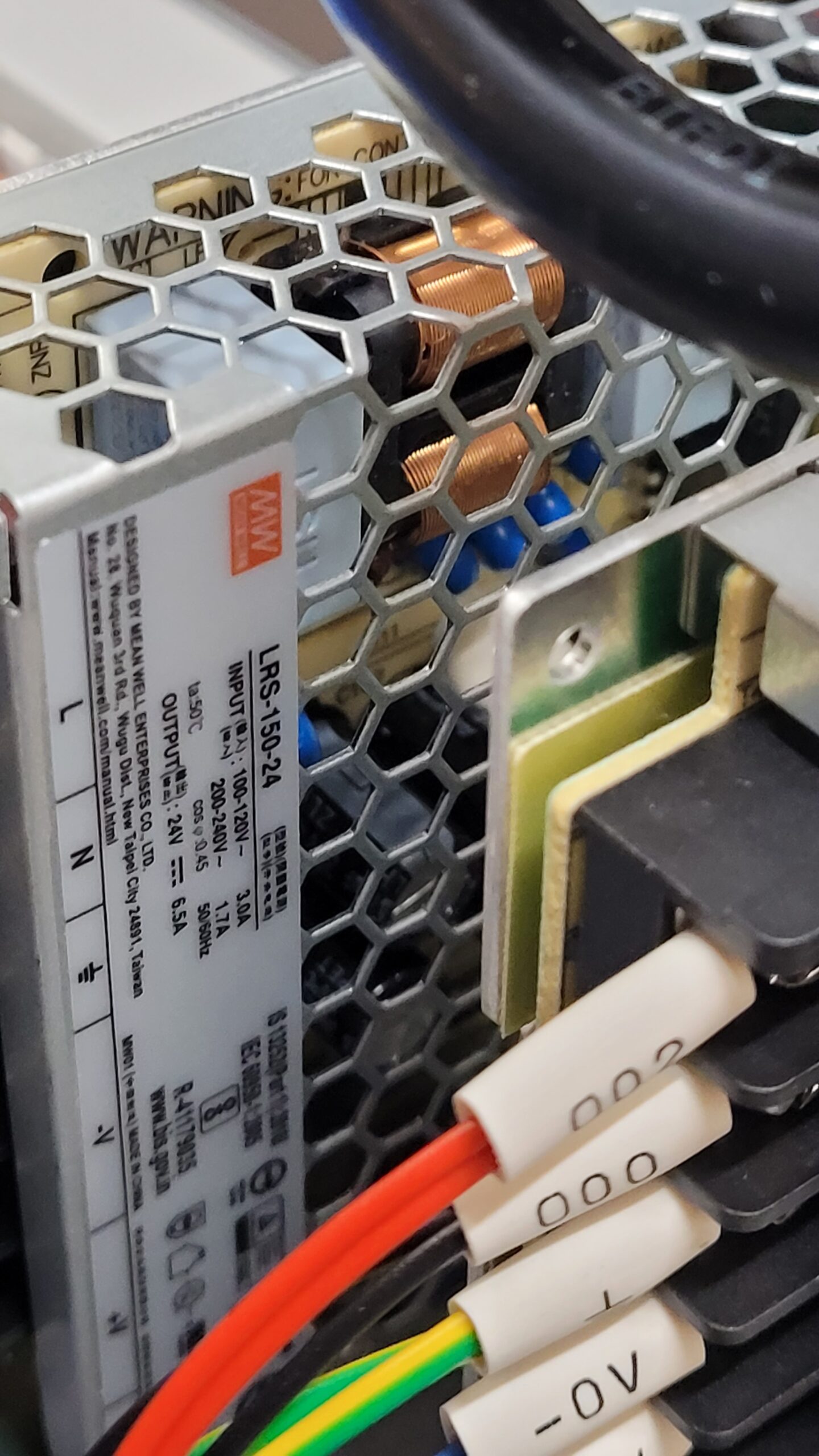
There are 6 Phillips screws on the front panel.
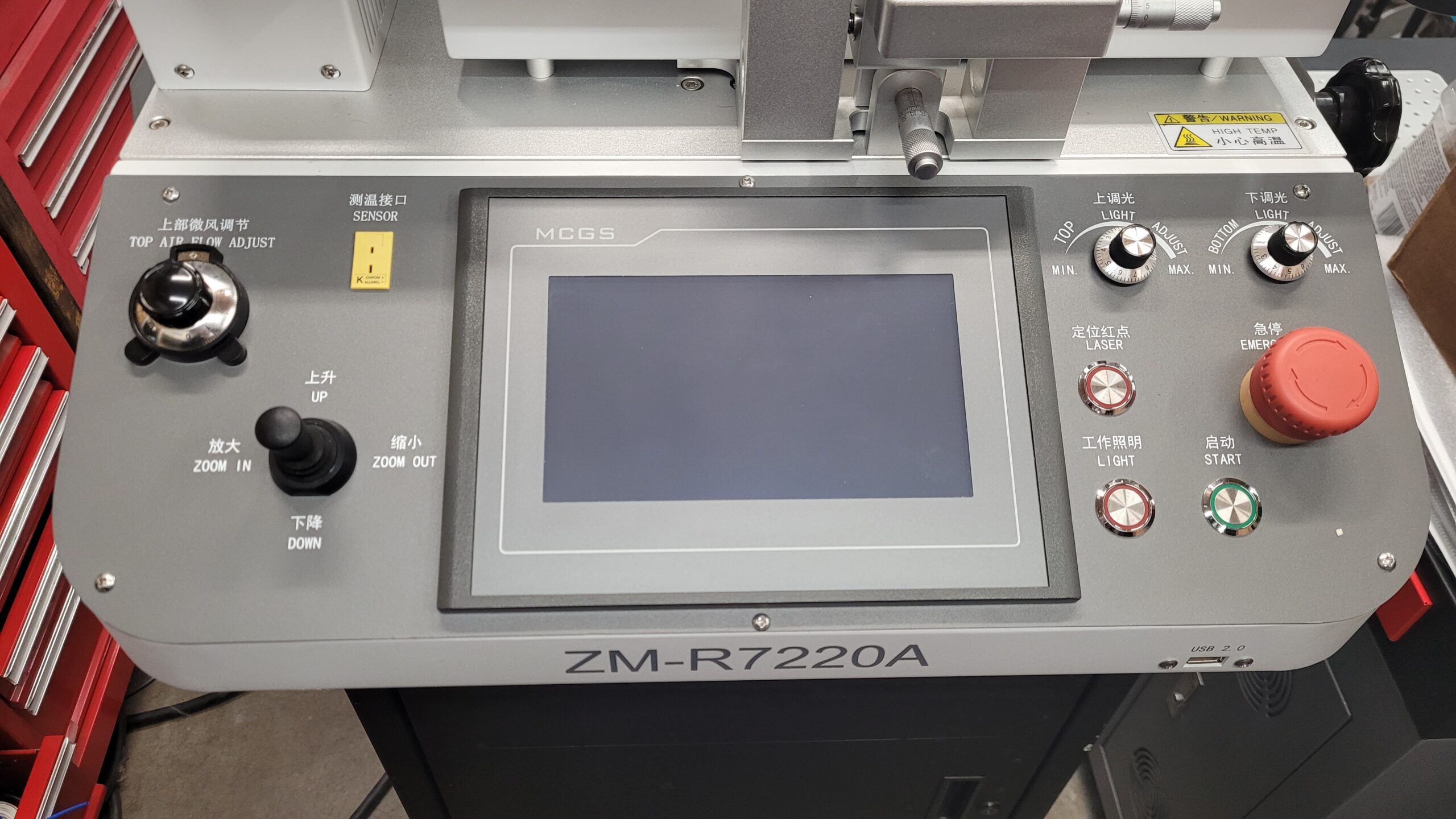
The Zhuomao SeaMark ZM-R7220A BGA Machine Uses a common Chinese Made MCGS HMI Touch Display.
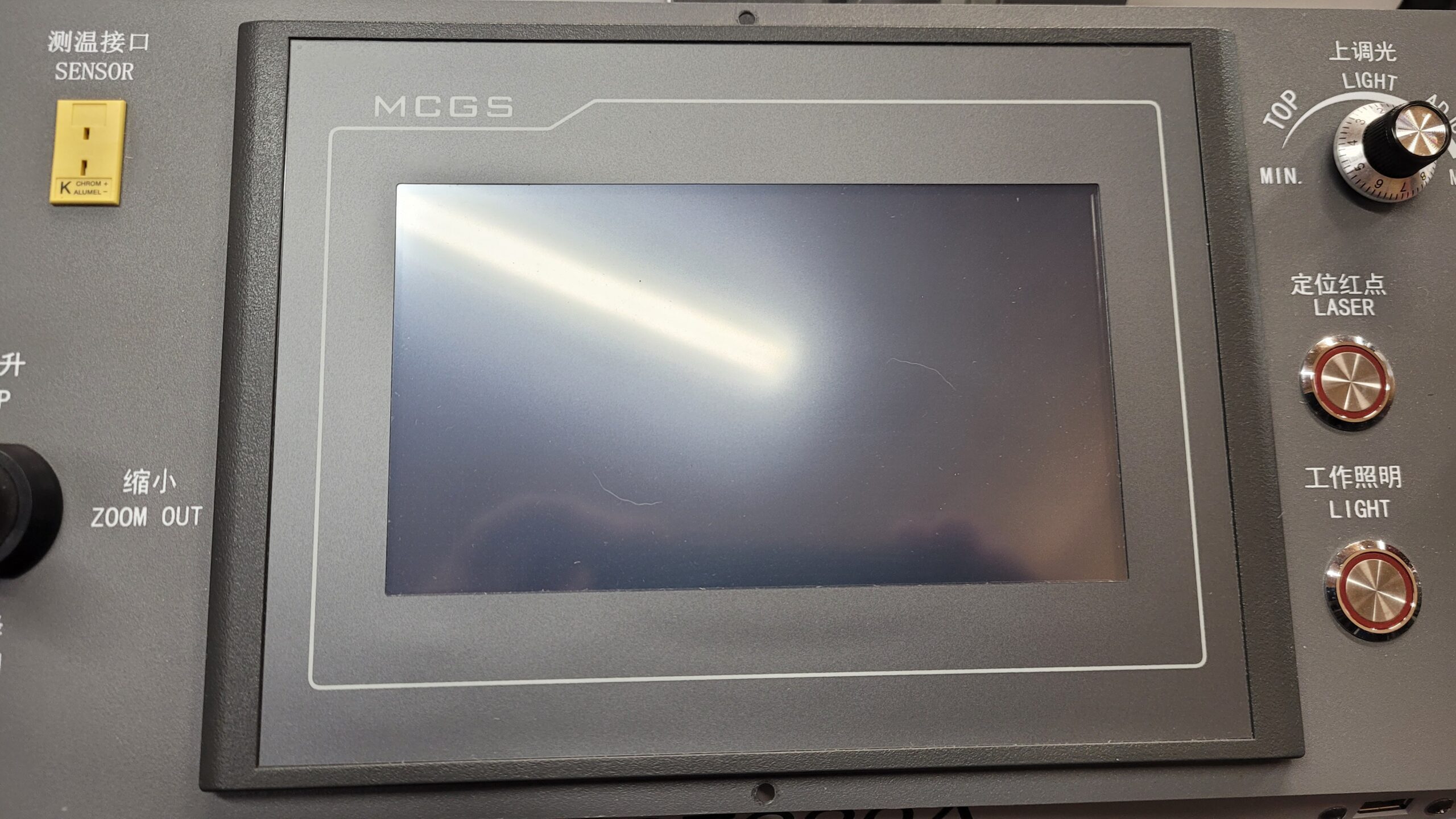
Back of the Pannel
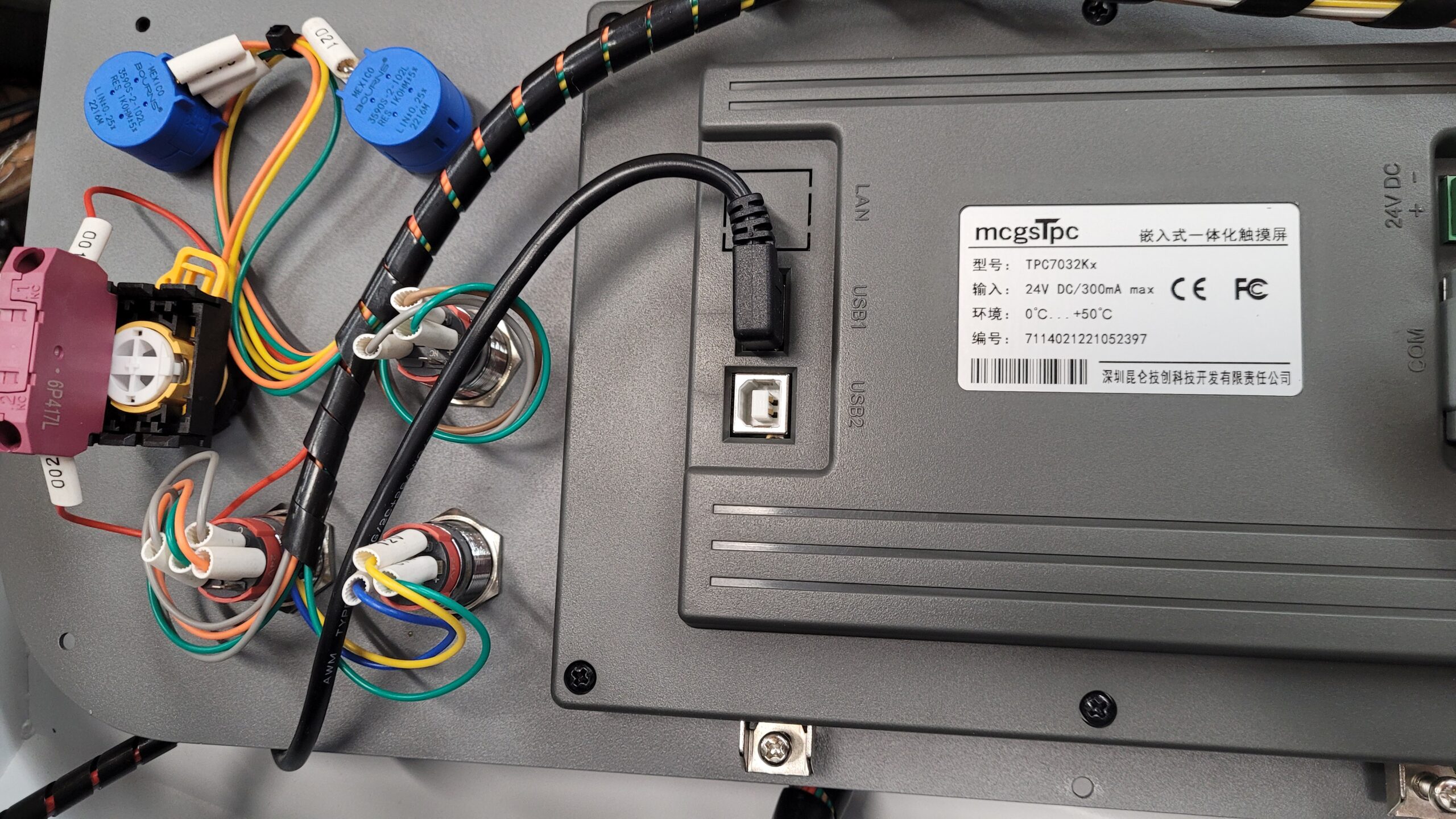
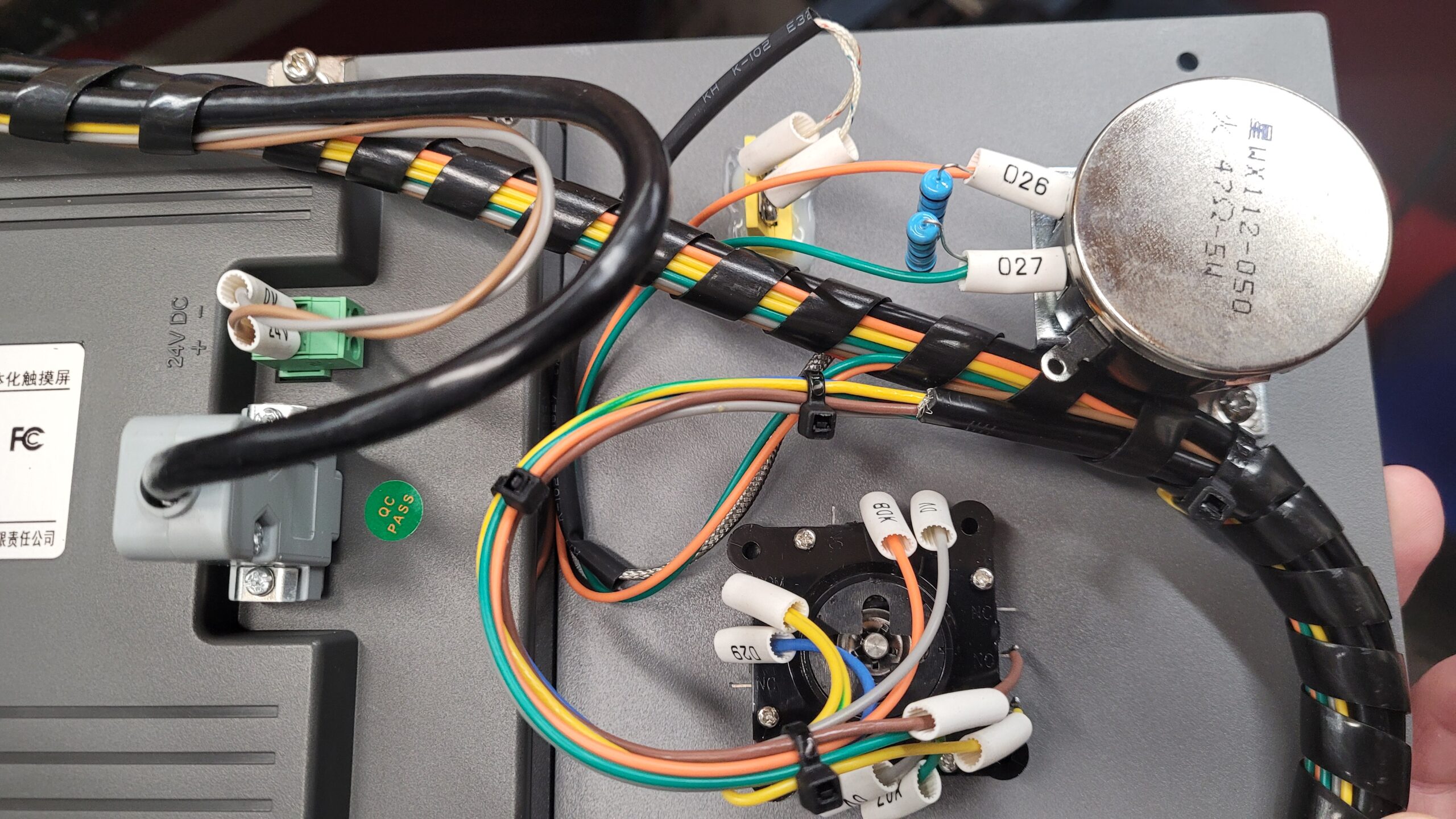
Zhuomao SeaMark ZM-R7220A BGA Machine MCGS TPC7032KX HMI
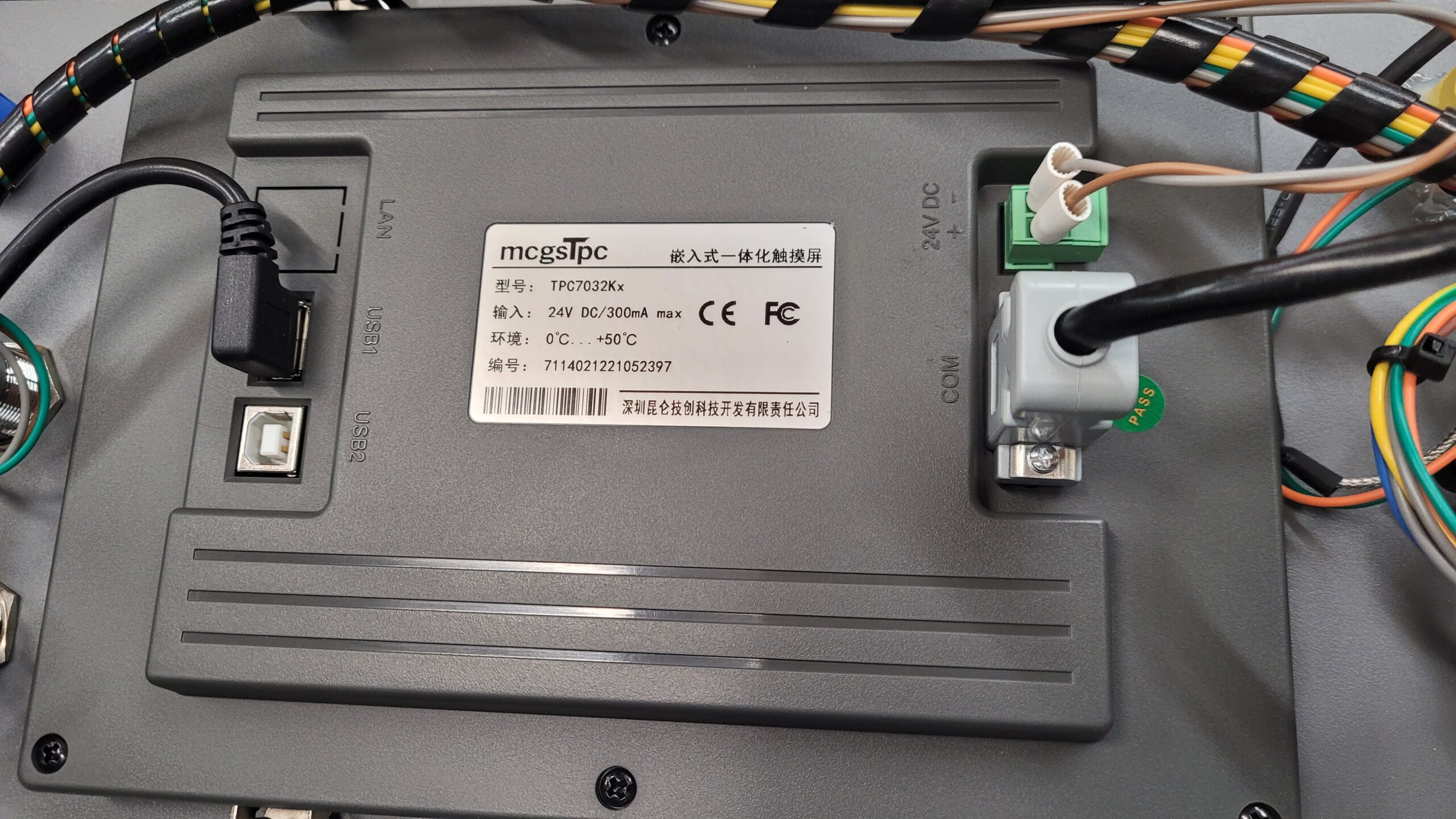
The MCGS TPC7032Kx low Cost 7-inch industrial HMI touch screen featuring a 4-core 800MHz CPU, 128MB storage, and 256MB system memory. Operating via the mcgs Pro configuration software, it offers an 800×480 resolution and includes communication interfaces such as RS232, RS485, and USB.
These MCGS HMI’s are generally locked down I have repaired a few of them on other mchines with broken displays if it is locked down and the manufacture will not provide the program / firmware it will required flash to be removed installed on new controller.
There are places that offer unlocking and backup of these will explore this later I have Messaged Zhuomao SeaMark if they have a program/firmware update.. Will post reply when or if i get it.
April 17th I received a Reply. 🙁 Denied Program and Manual for the controller LOL really? it’s Linux open source!
Here is a Photo of Inside a MCGS TPC7062 I will assume the more modern MCGS TPC7032Kx is similar. If i feel ambitious ill crack it open.
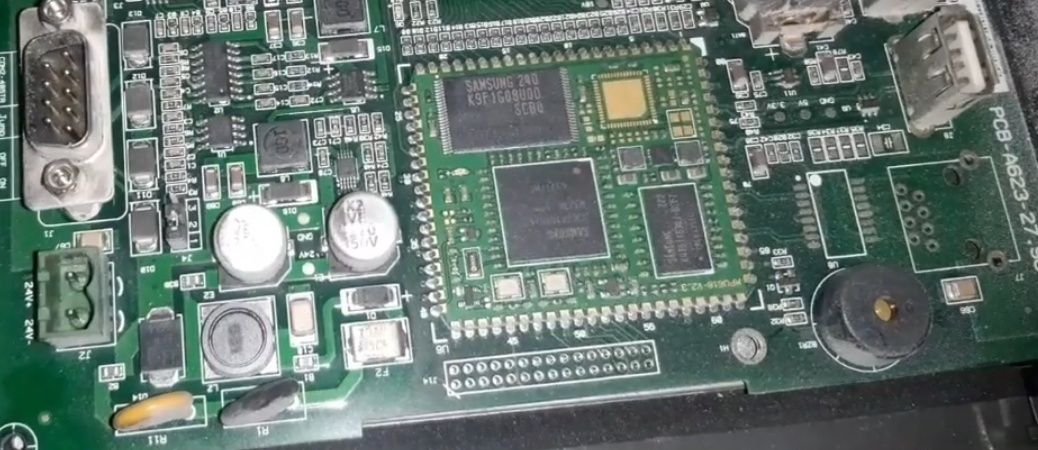
From the reply above it looks like I will need to pull the Flash from the Controller and back a back it up. I always ask first before having to risk a multi thousand dollar machine going board level to back up firmware / operating systems. but i have done it befor.
Everything appered to be attached and nothing broken loose etc. I removed the off plug they had and put on a standard nema plug…
First Boot Live Stream.
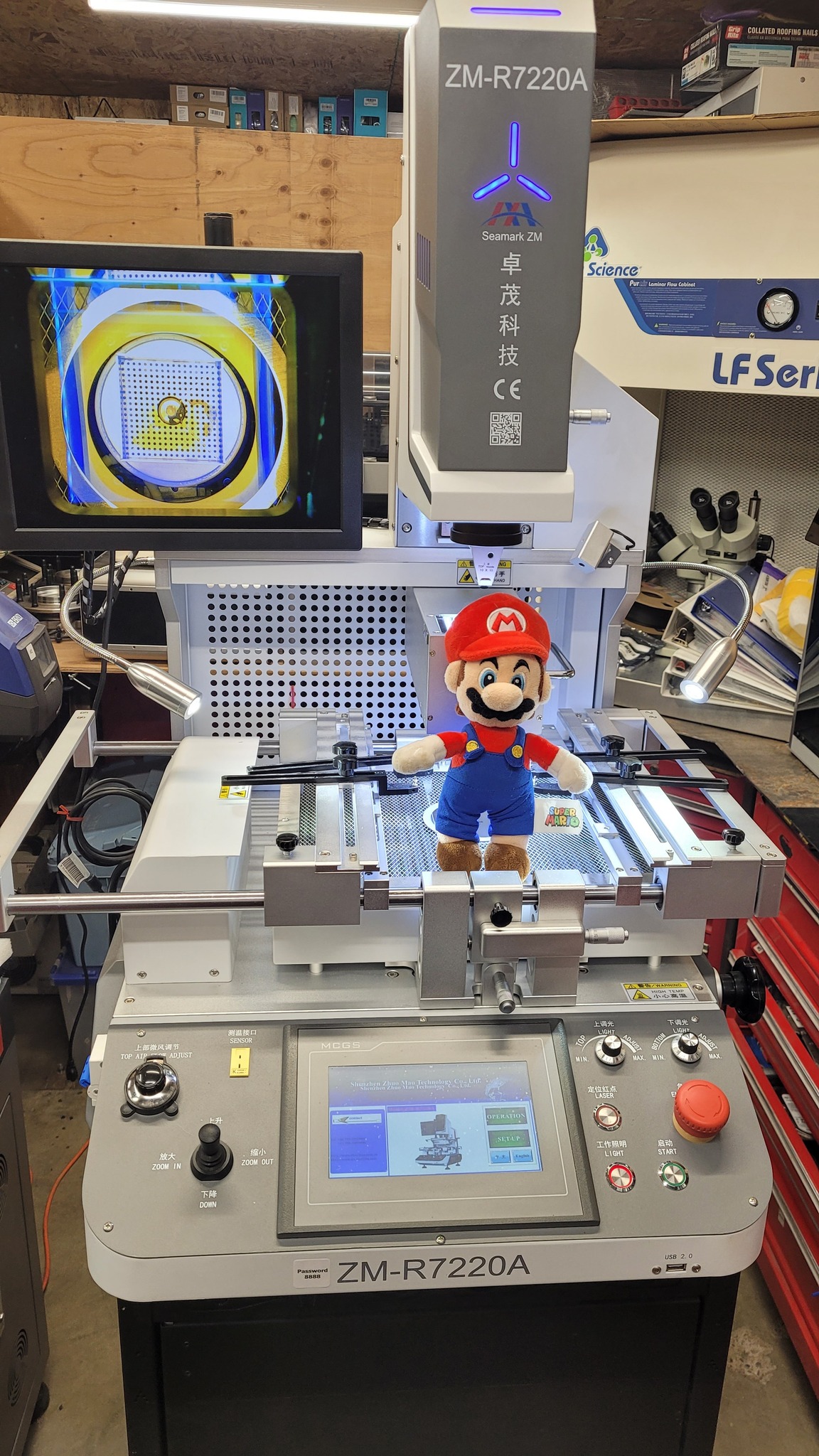
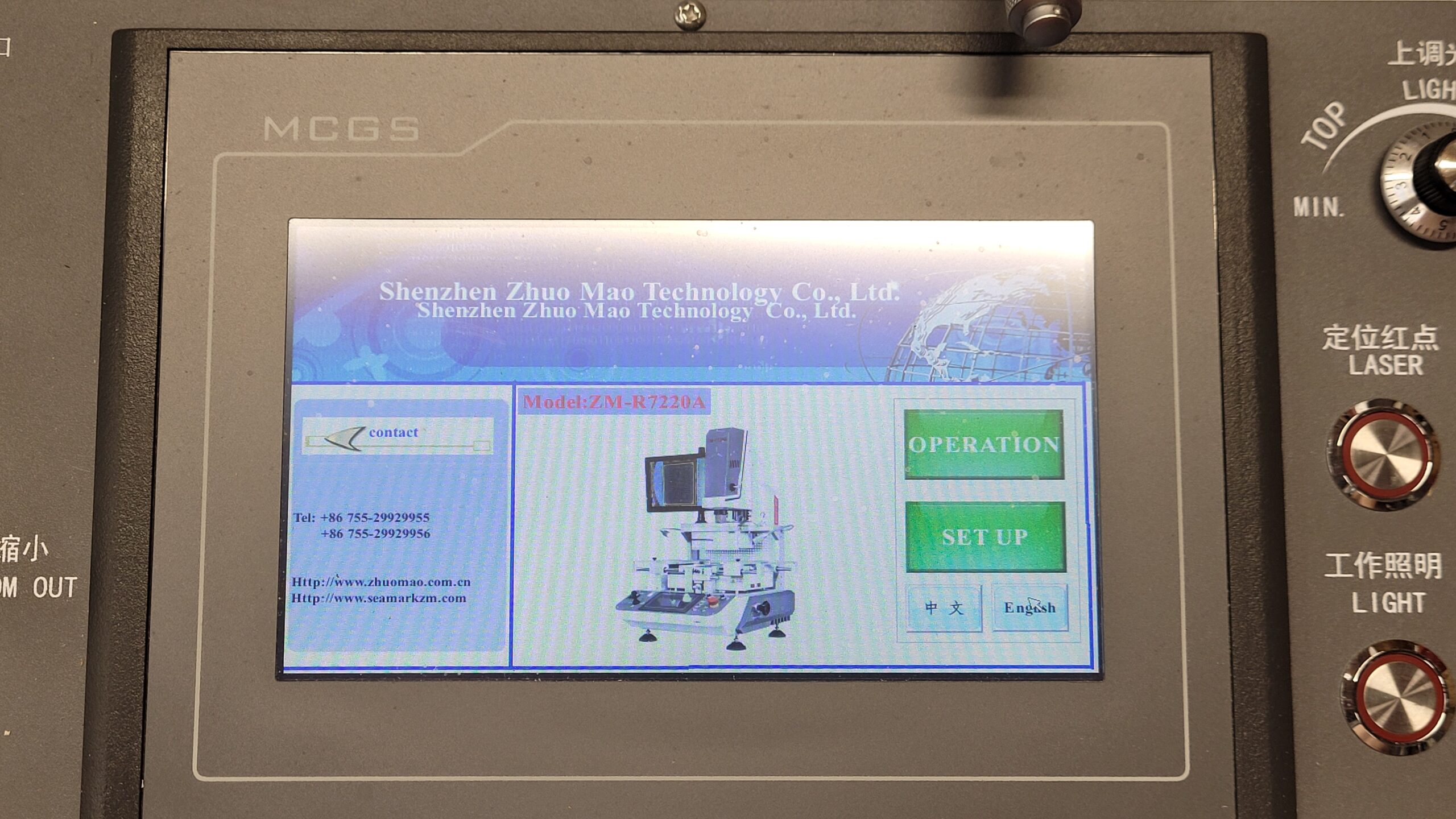
Program Screen (More Screen Shots Later)
I did find a manual for this i have it Archived Here.
On these MCGS TPC7032KX HMI Displays to get in to the service menu place your finger on the touch screen while powering up the machine will take you to the settings screen.
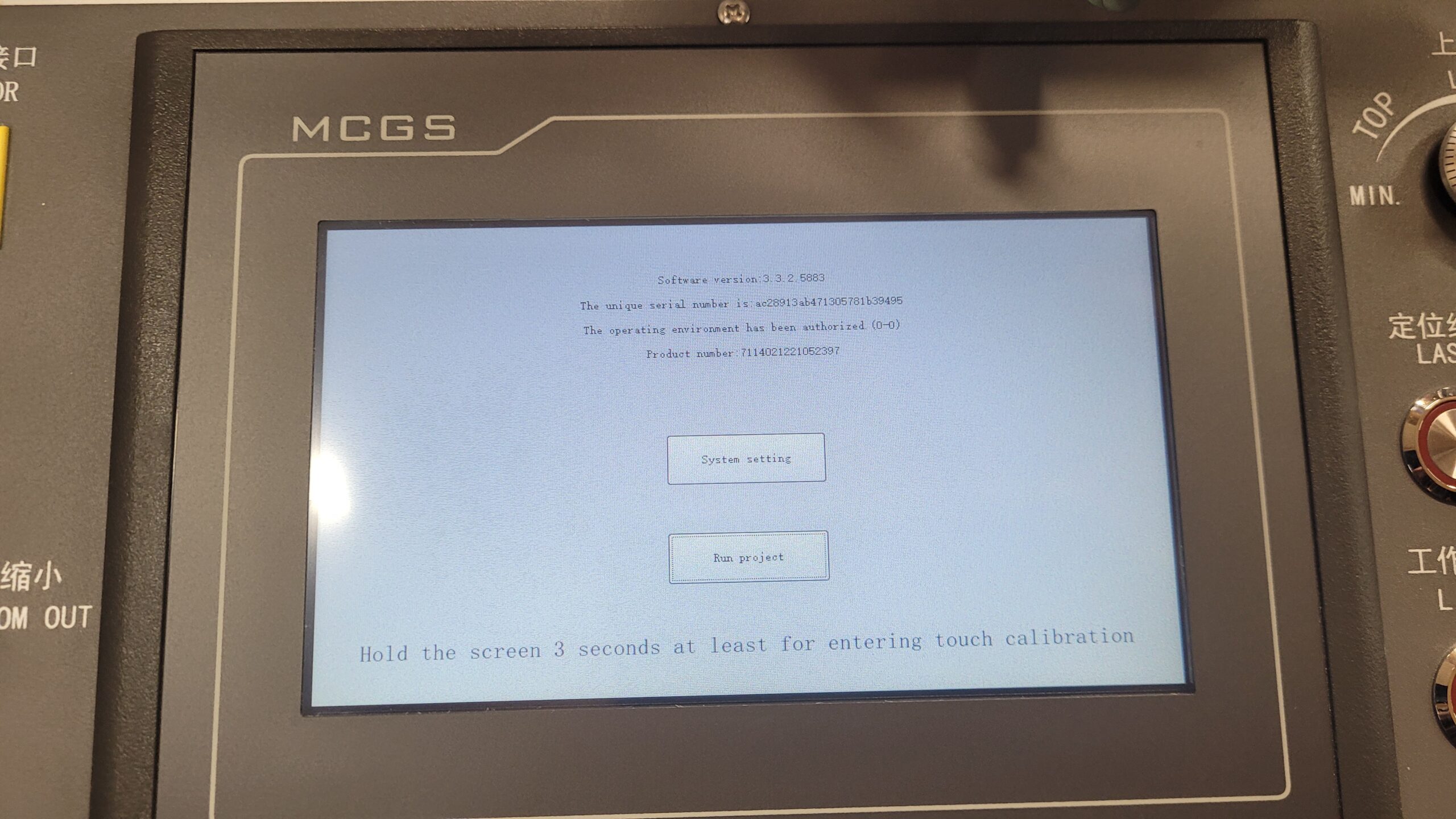
Software version | 3.3.2.5883
Unique serial number | ac28913ab471305781b39495
Authorization status | “The operating environment has been authorized (0-0)”
Product number | 7114021221052397
System Setting → leads to the TPC Settings panel you saw in the previous photo (backlight, buzzer, touch, time, password, IoT, etc.)
Run Project → launches the actual BGA rework station control software (temperature profiles, machine operation, etc.)
Here are all the Options In System Settings.
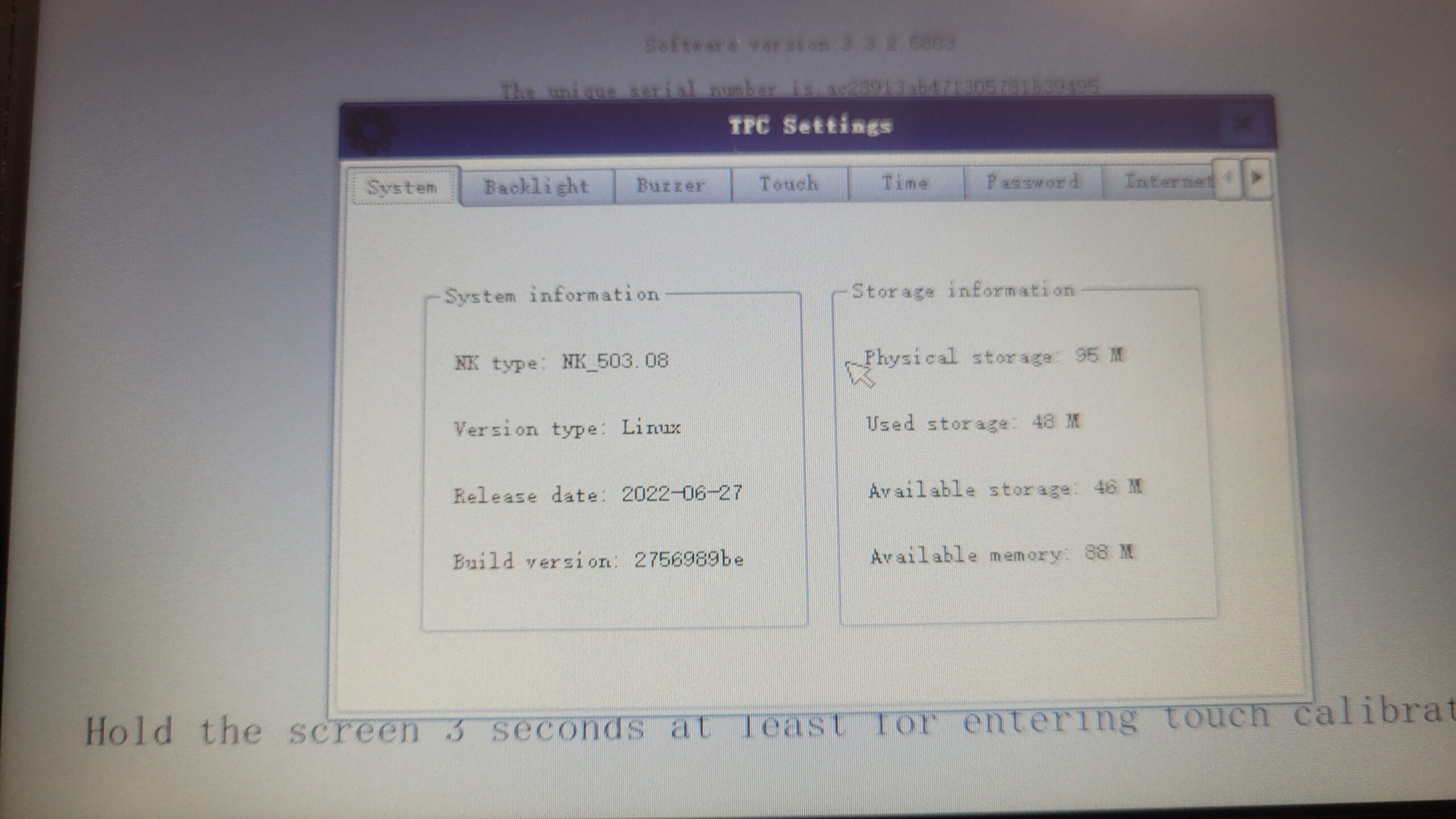
I do not see an upload or download option if available it will allow you to make a backup copy the program to a USB Drive, So this is locked and Seamark Responded they do not have a firmware update but ignored the request for a backup copy. I have the English version of the MCGS HMI Software ill try and connect with that when i have the patience and time sometimes they lock you out on the display but leave the backup option open in the software. but, I have made another request on 04-17-2026. I will update if i receive it.
If all else fails can open it up remove the flash and make a backup of the flash chip.
Settings Tabs
The panel has these configuration sections:
- System – hardware/OS info
- Backlight – screen brightness control
- Buzzer – alarm/beep settings
- Touch – touchscreen calibration (note the hint at the bottom: “Hold the screen 3 seconds at least for entering touch calibration”)
- Time – date/time settings
- Password – access control
- Internet of Things – network connectivity settings, possibly for remote monitoring or data logging (No Ethernet On this Model)
System Info:
| NK type | NK_503.08 |
| Version type | Linux |
| Release date | 2022-06-27 |
| Build version | 2756989be |
| Physical storage | 95 MB |
| Used storage | 48 MB |
| Available storage | 46 MB |
| Available memory | 88 MB |
| Software version | 3.3.2.5003 |
Accessories..
This machine came with 6 Nozzles
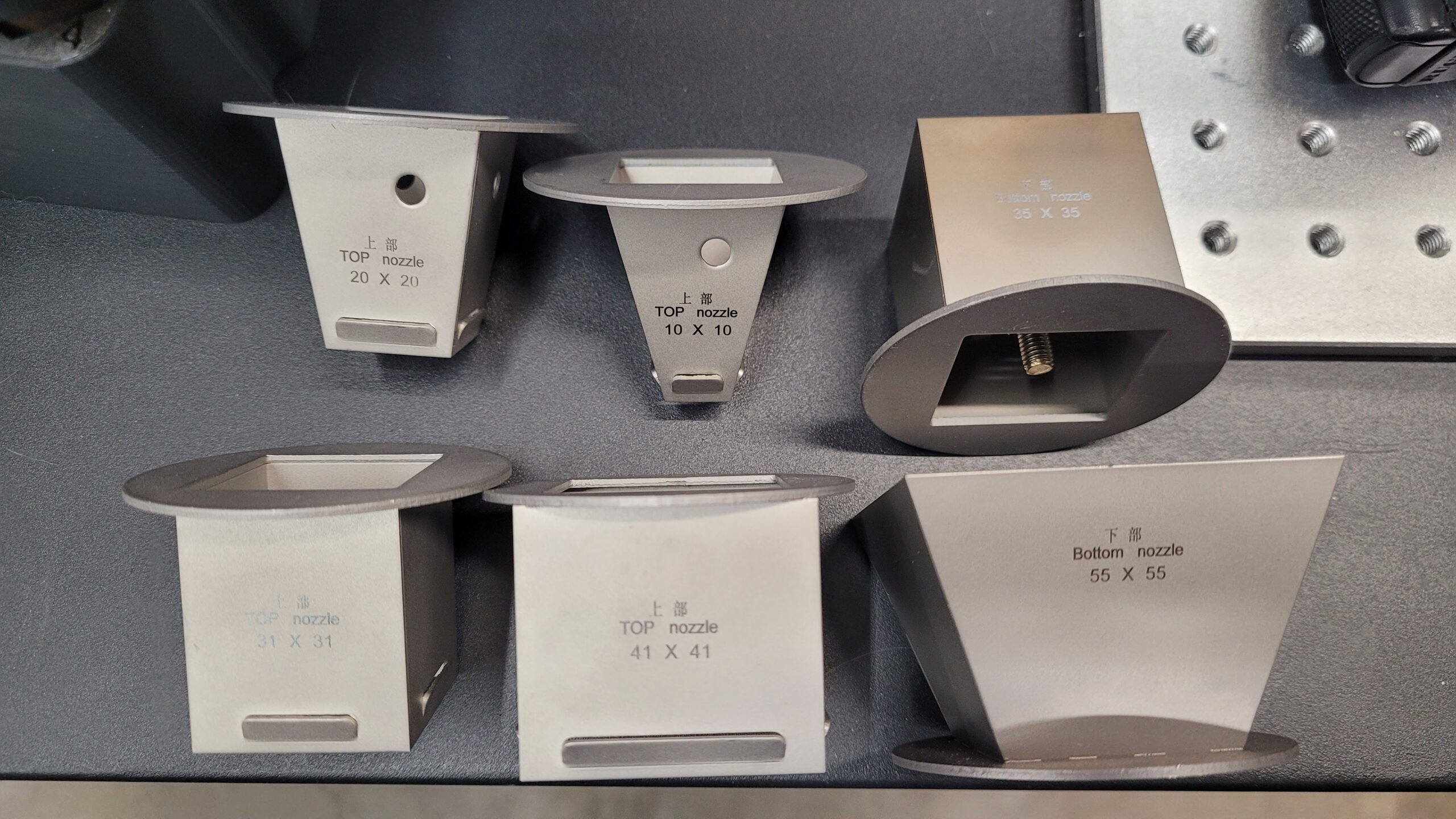
I e-mailed SeaMark Zhuomao asking if they have a list of accessories or a catalog they sent me a packing list.. Umm Ok?
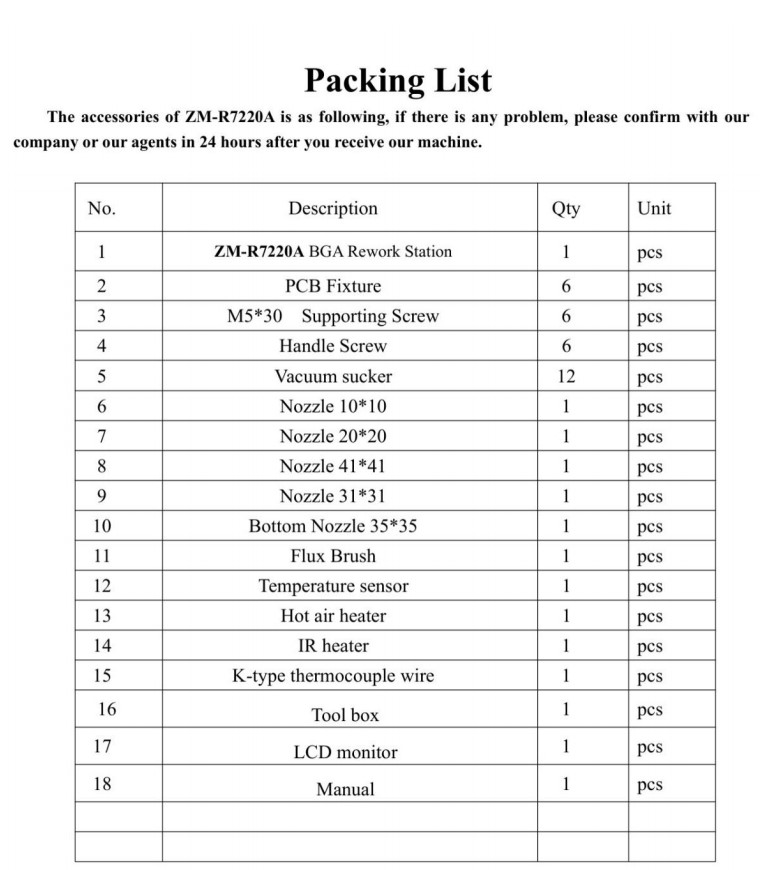
Here is the Packing List for ZM-R7220A
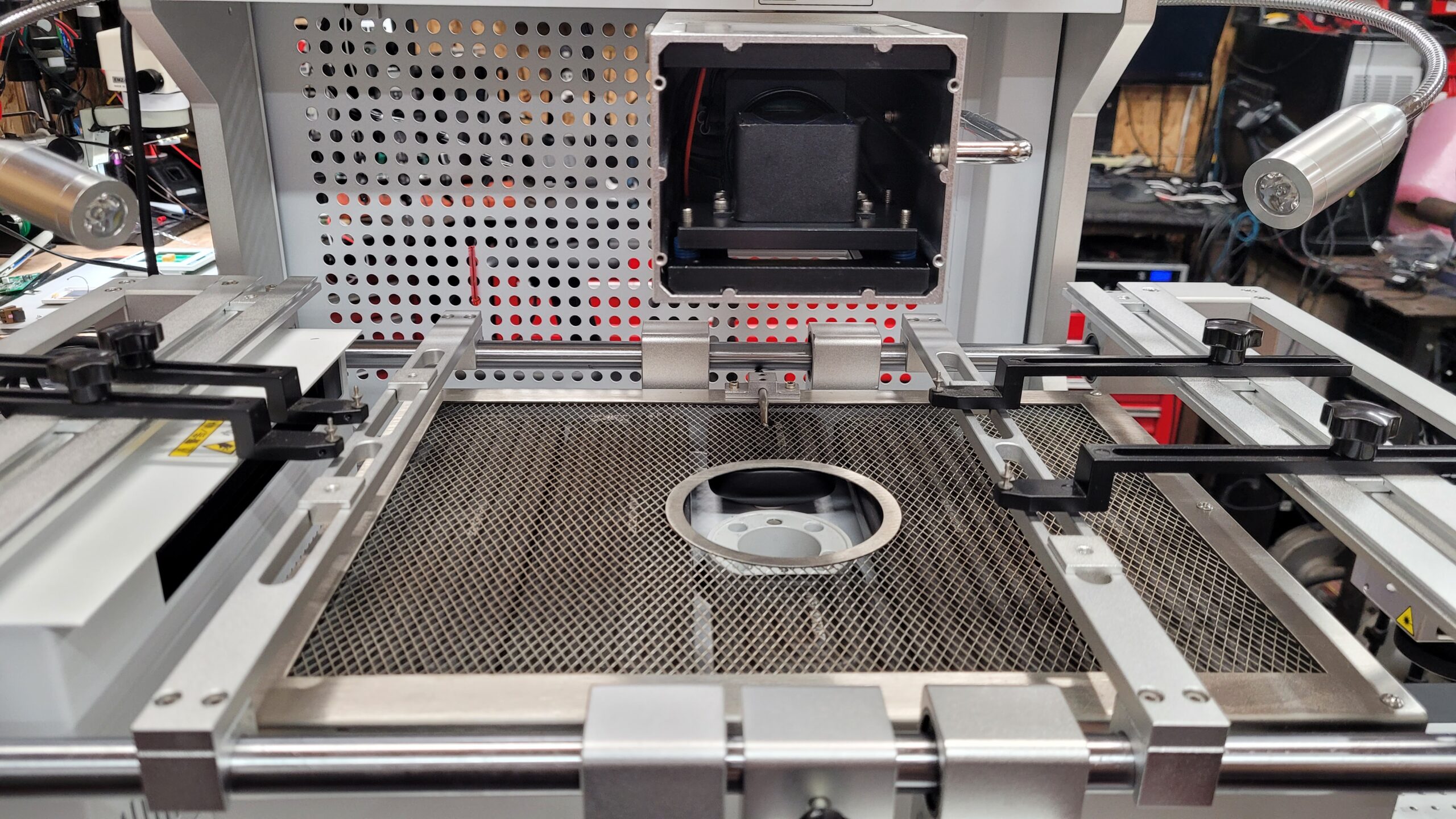
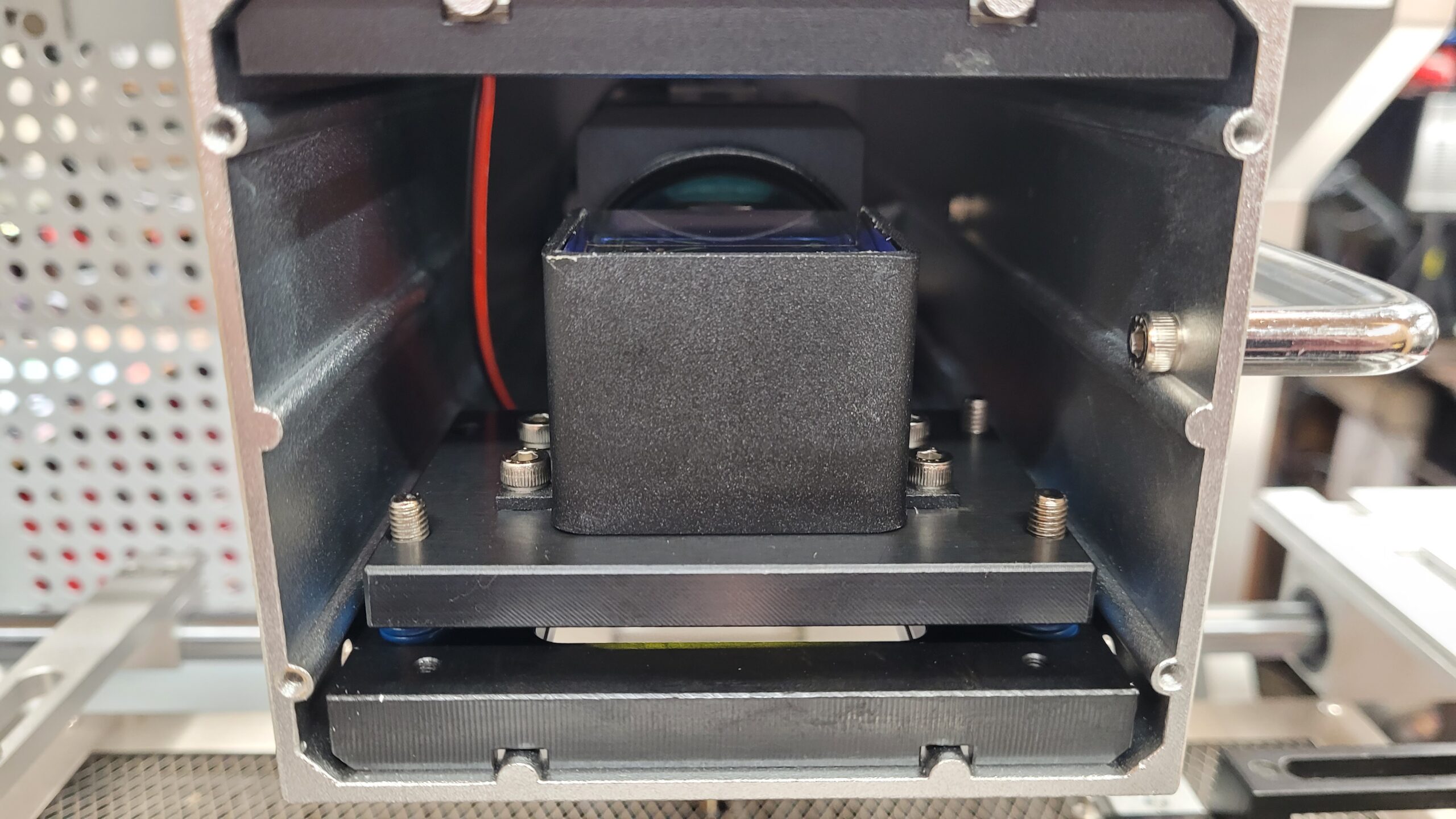
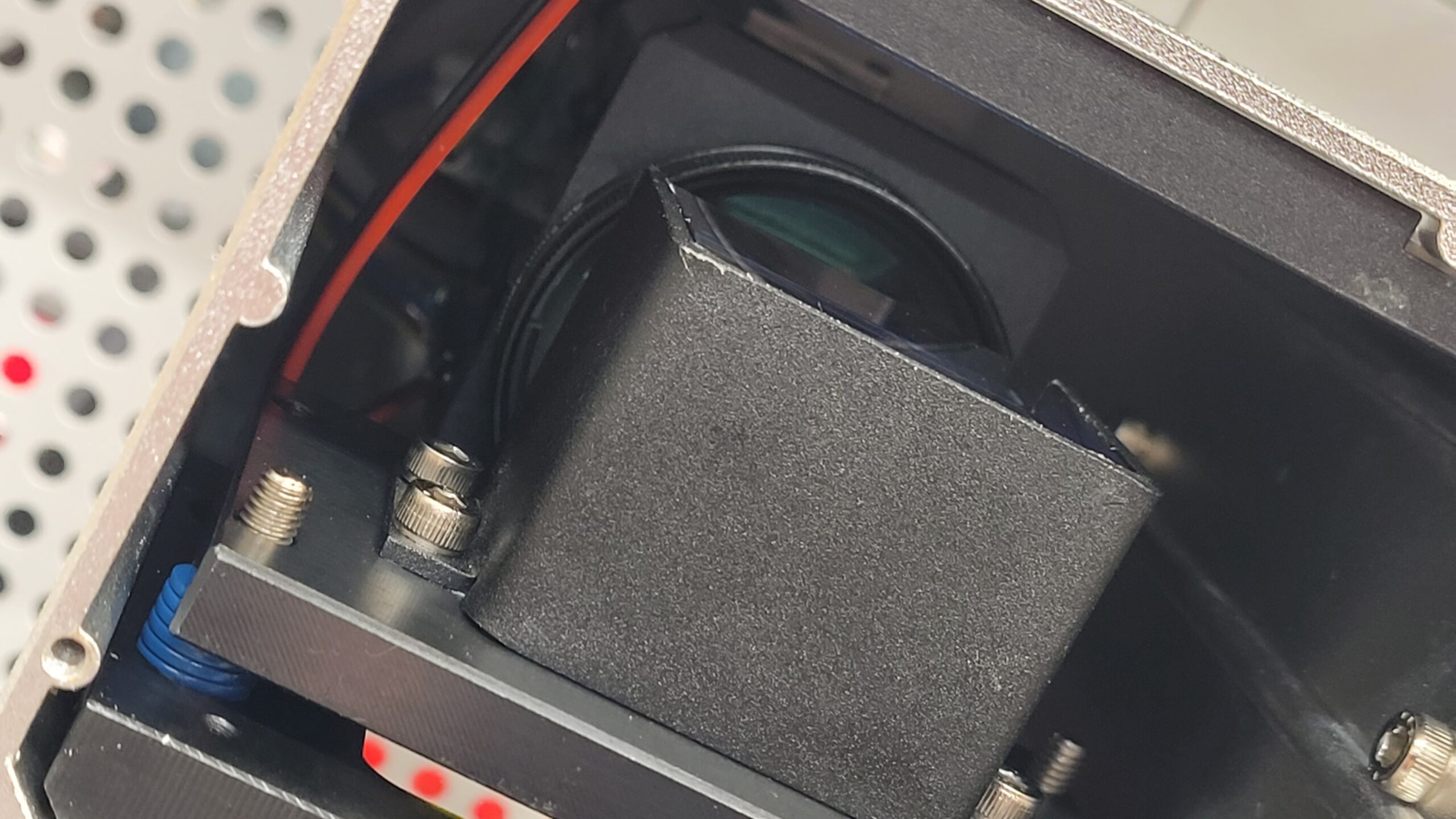
What is in the optical alignment box.. I just removed the front cover for a quick look inside. Appears to be some soft of optics block on a spring mount and a HDMI Camera. So I am assuming the camera must be doing the zooming. I could not see inside well enough to get the model number of the camera. There seems to be an adjustment screw on the bottom but no info on the manual for adjustments? This is not a sealed unit so dust and solder smoke will most defiantly enter it and contaminate the optics so having info on this would be break in case it ever needs cleaning.
I will be making videos and more post on learning how to properly operate this machine check back soon.
Zhuomao SeaMark Right To Repair Score (F)
No Basic Documents to Program / OS. If the Unit Fails Your On Your Own!
Last Updated on April 18, 2026 by Steven Rhine